53
- Peripheral Device Connections
HDMI port
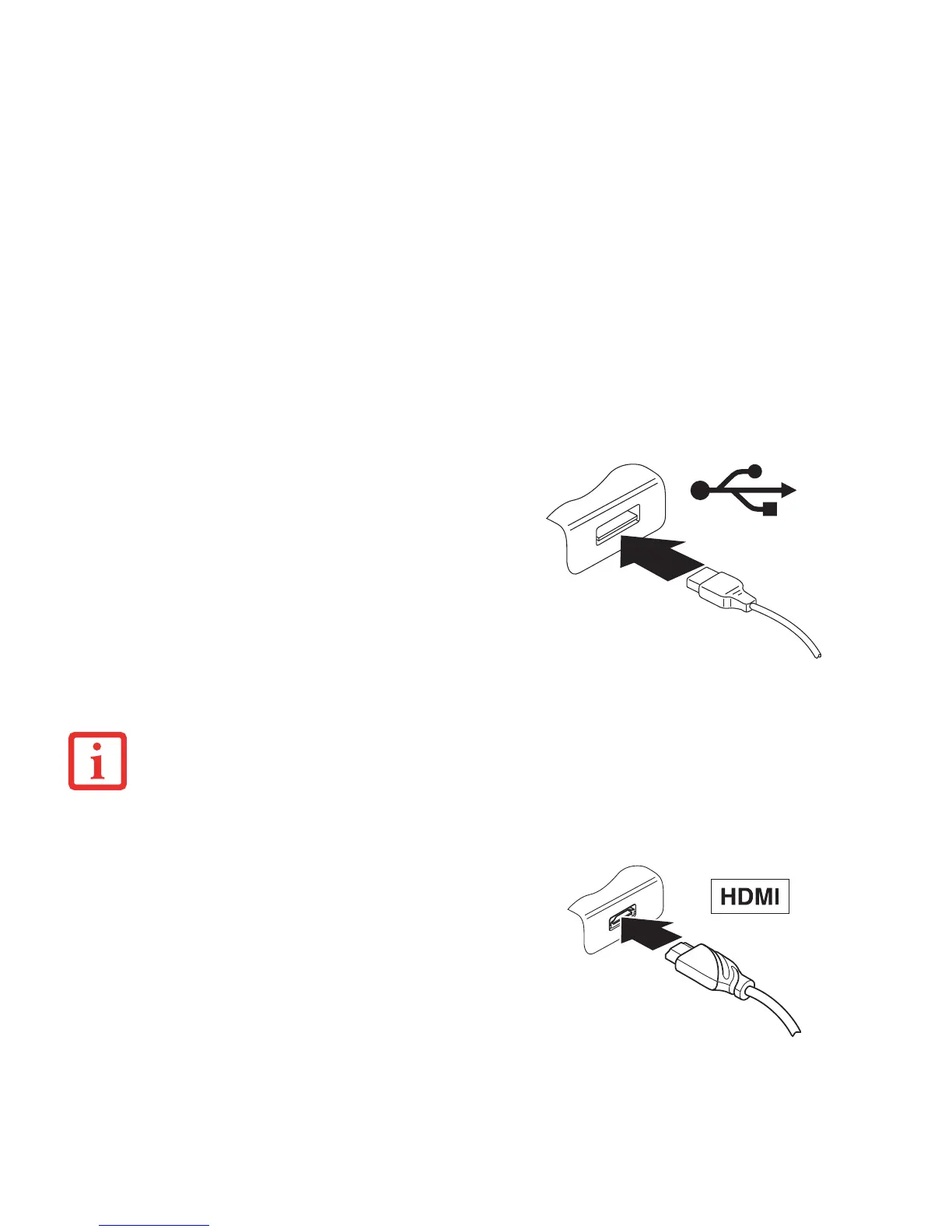
To connect a USB device to your tablet:
1 Connect the data cable to the external device.
2 Connect the data cable to a USB port or to the
cradle of the tablet.
To remove a USB device from your tablet:
Always correctly remove the device according to the
steps below, to ensure that none of your data is lost.
1 Select Settings > Memory > Remove USB memory.
It is now safe to remove the USB device.
Figure 17. Connecting a USB Device
DEVICE DRIVERS
USB DEVICES WILL BE AUTOMATICALLY RECOGNIZED AND INSTALLED BY YOUR OPERATING SYSTEM.
You can use the optionally available cradle to connect
HDMI-capable end devices such as an LCD, plasma TV or
video projector.
2 Place the tablet in the cradle.
3 Connect the data cable to the HDMI port of the
cradle.
Figure 18. Connecting an HDMI Device



 To Next Page
 Loading...













