3. PLOTTER OPERATION
3-24
3.7 Marks, Lines
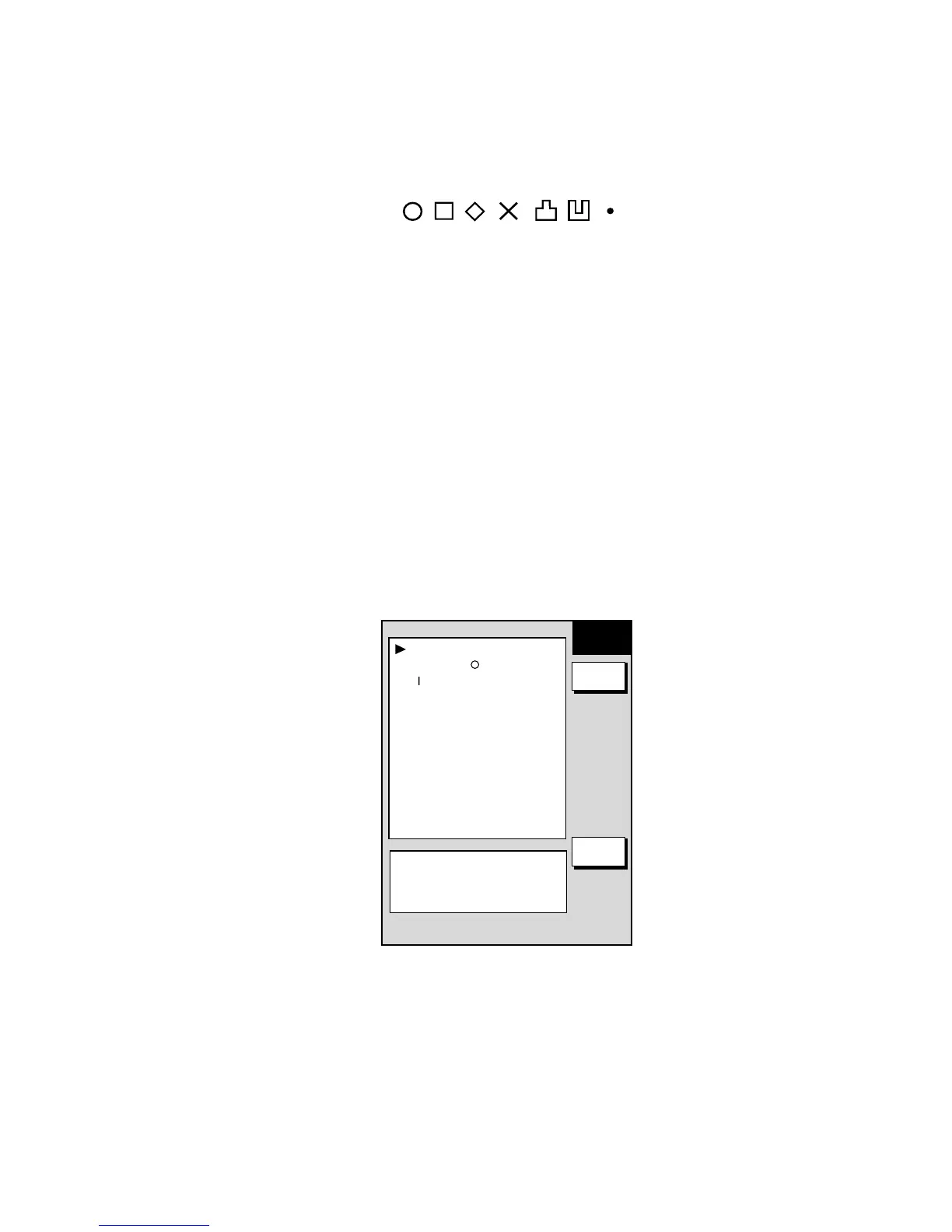
Marks are useful for denoting important points such as a good fishing spot, and
can be inscribed in seven shapes.
¡
✕
Mark shapes
3.7.1 Entering a mark, line
1. Place the cursor where you want a mark to appear.
2. Press the [SHOW/HIDE] key (if necessary) followed by the MARK ENTRY
soft key.
The mark is inscribed in the size and shape selected on the MARKS & LINES
menu. The default mark attributes are size, large and shape, hollow circle (
○
).
3.7.2 Changing mark attributes
You can select the shape and size for marks on the MARKS & LINES menu.
1. Press the [MENU] key to show the menu.
2. Press the CHART SETUP, TRACKS & MARKS CONTROL and MARK
SETUP soft keys to show the MARKS & LINES menu.
MARKS SHAPE
¡
LINES STYLE
MARKS SIZE
LARGE
MARKS &
LINES
RETURN
EDIT
.
SHIP’S TRACK STATUS
TRACKING
TRACK: 1234/2000
MARK : 9/6000
Marks & lines menu










 To Next Page