3. PLOTTER OPERATION
3-7
3.2 Presentation Mode
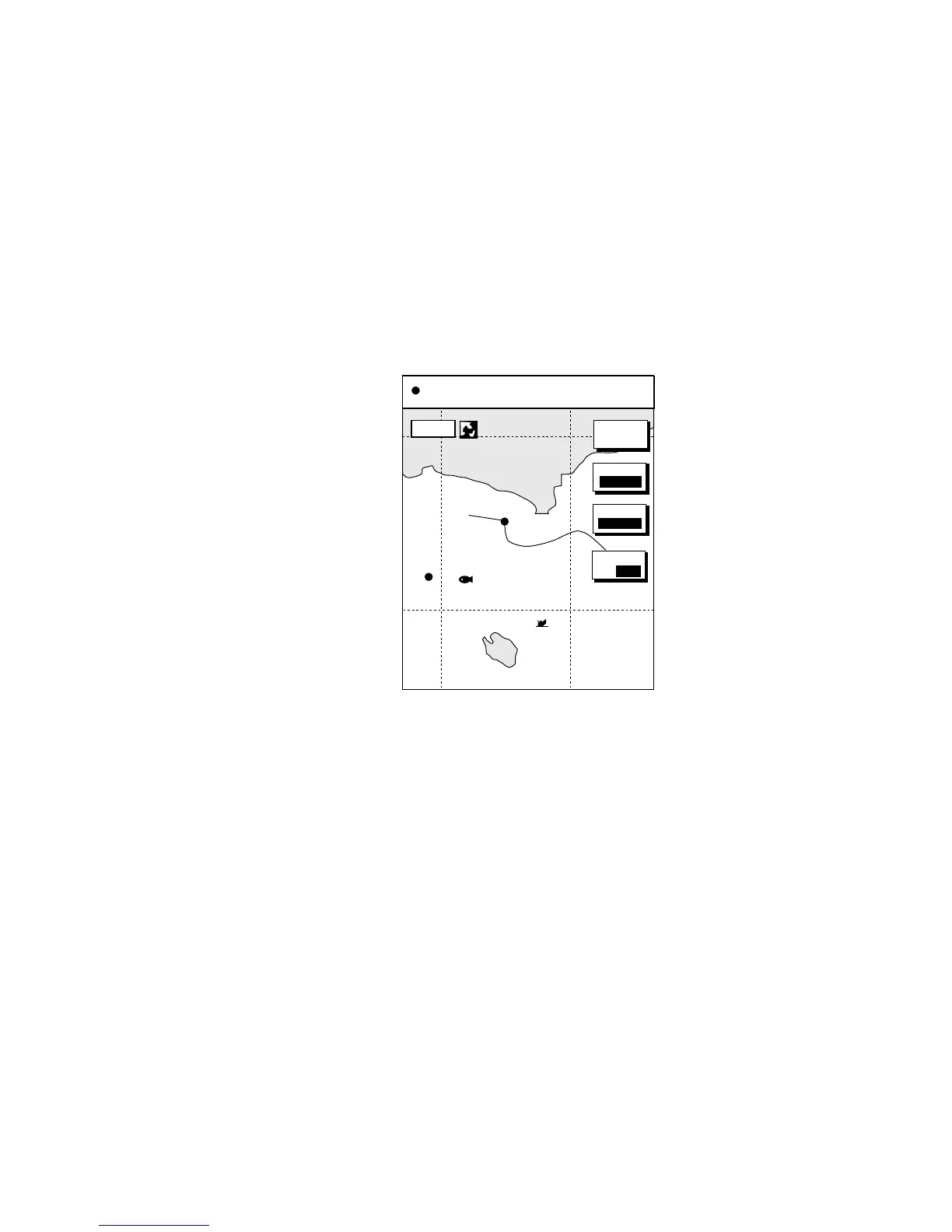
Three types of presentation modes are provided for the plotter display: north-up,
course-up and auto course-up. To change the presentation mode, press the
[HIDE/SHOW] key followed by the MODE soft key. Each press of the key
changes the presentation mode and presentation mode indication (top
right-hand corner of the screen) cyclically in the sequence of North-up,
Course-up and Auto course-up.
3.2.1 North-up
North (zero degree) is at the top of the display and own ship is shown with a
filled circle. This mode is useful for long-range navigation.
BRIDGE
FISH
WP-002
34° 22. 3456'N 359.9° TRIP NU
080° 22. 3456'E
19.9 kt 99.9 nm
MODE
NTH UP
NAV
POS
MARK
ENTRY
16.0nm
D.BOX
ON/ OFF
Plotter display, north-up mode











 To Next Page