5. CUSTOMIZING YOUR UNIT
5-31
5.9.4 Function key setup
The function keys, shown when the soft keys are turned off, provide one-touch
execution of a desired function. The default sounder function key settings are as
shown in the table below.
Function Key Default Function Function Key Label
1 Output current position. TLL
2 Suppress clutter. CLT
3 Erase weak signal. SLV
4 Suppress noise. NL
5 Set picture advancement speed. PA
If the above settings are not to your liking you may change them as follows:
1. Show the sounder display.
2. Press the [MENU] key.
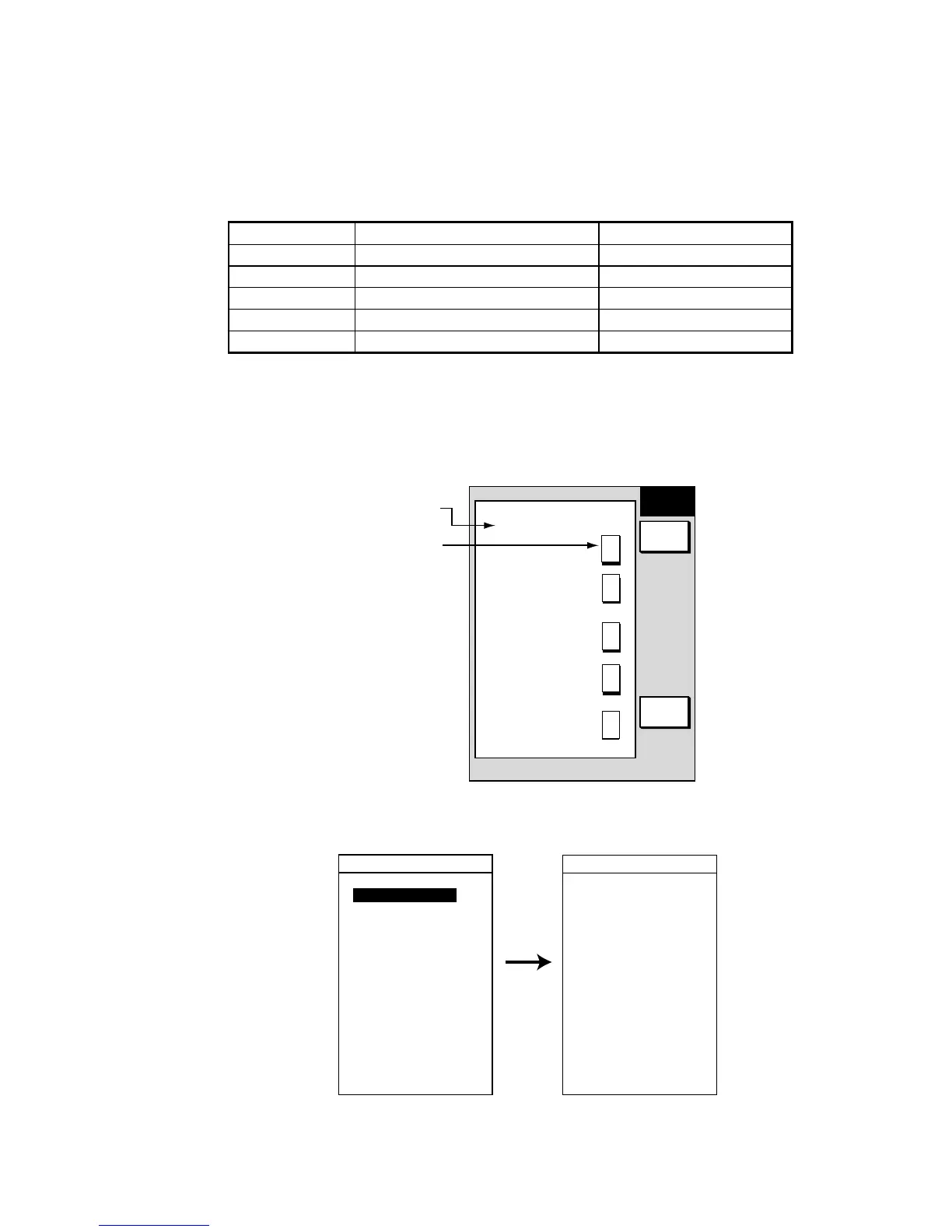
3. Press the FUNCTION KEY SETUP soft key.
FUNC
KEY
RETURN
EDIT
▲
Function key
setting
Function
key label
T
L
L
C
L
T
S
L
V
N
L
P
A
SOFT KEY 1
TLL: TLL OUTPUT
SOFT KEY 2
CLT: CLUTTER
SOFT KEY 3
SLV: SIGNAL LEVEL
SOFT KEY 4
NL: NOISE LIMITER
SOFT KEY 5
PA: PICTURE ADV
Sounder function key menu
4. Select the function key you want to program, then press the EDIT soft key.
▲
SOFT KEY 1
OFF
MOD: AUTO MODE
G20: GAIN 200 kHz
G5: GAIN 50 kHz
SFT: SHIFT
NL: NOISE LIMITER
CLT: CLUTTER
WMK: WHITE MARKER
HUE: HUE
SLV: SIGNAL LEVEL
PA: PICTURE ADV
TG: TEMP. GRAPH
TV2: TVG 200 kHz
TV5: TVG 50 kHz
▲
SOFT KEY 1
EO2: OFFSET 200K
EO5: OFFSET 50K
SMT: SMOOTHING
ZMR: ZOOM RANGE
BLR: B/L RANGE
TLL: TLL OUTPUT
SSR: SNDR SOURCE
DBX: D. BOX ON/OFF
CHG: CHANGE CNTRL
Scroll
down
Sounder function key options











 To Next Page