3. PLOTTER OPERATION
3-57
3.11.7 Trip alarm
The trip alarm informs you when you have traveled a certain distance.
1. Press the [ALARM] key to open the alarm menu.
2. Use the trackball to select TRIP ALARM.
3. Press the EDIT soft key to show the trip alarm window.
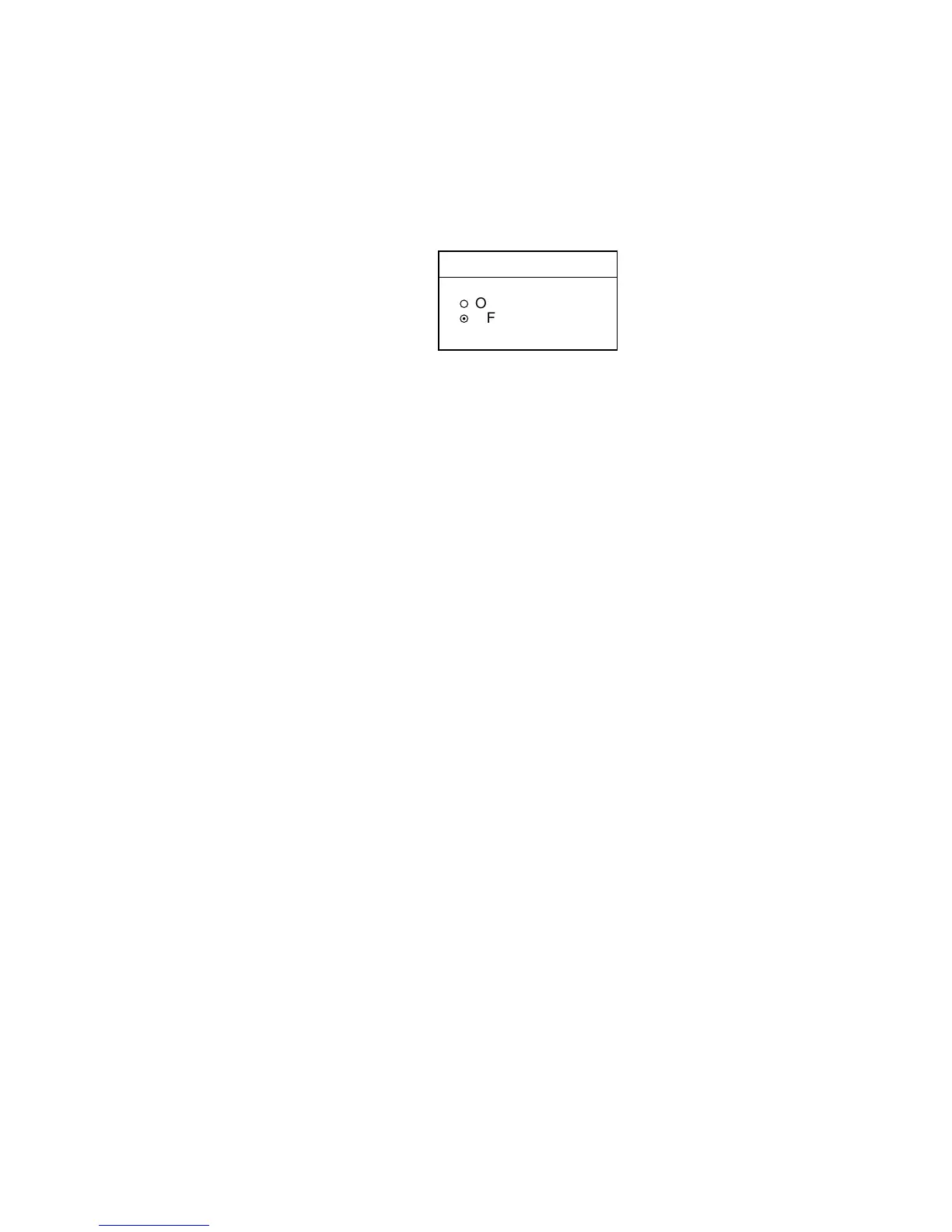
TRIP ALARM
▲
¡
ON 0000.0nm
¤
OFF
▼
Trip alarm window
4. Select ON or OFF as appropriate.
5. For ON, use the trackball and the [ENTER] knob to enter alarm setting:
Operate the trackball to select digit; rotate the [ENTER] knob to set value.
6. Press the ENTER soft key or push the [ENTER] knob to register setting.
7. Press the [ALARM] key to finish.











 To Next Page