1. OPERATIONAL OVERVIEW
1-18
1.10 Simulation Display
The simulation display, for use by service technicians for demonstration
purposes, provides simulated operation to help acquaint you with the many
features your unit has to offer. It allows you to view and control a simulated
plotter, radar and sounder picture, without position-fixing equipment, network
radar or a network sounder. Most controls are operative, thus you may practice
measuring the range and bearing to a target, etc.
The simulation icon (
S
I
M
) appears when a simulation mode is active.
To start the simulation display;
1. Press the [MENU] key.
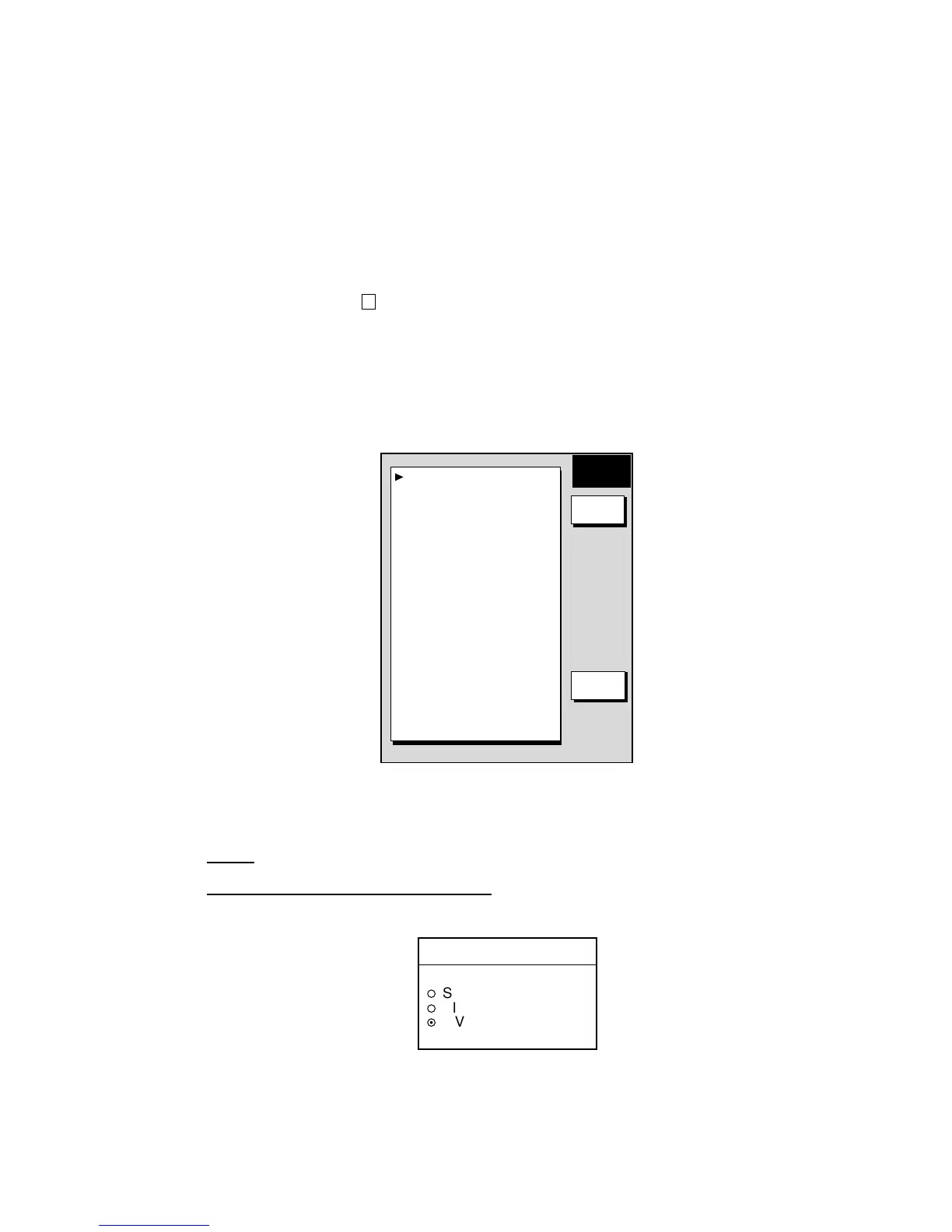
2. Press the SYSTEM CONFIGURATION, SYSTEM SETUP and SIMULATION
SETUP soft keys in that order.
SIM
SETUP
EDIT
RETURN
RADAR
LIVE
PLOTTER
LIVE
SOUNDER
LIVE
SPEED
00.0kt
COURSE
000.0
°
LATITUDE
45
°
35.000’N
LONGITUDE
125
°
00.000’W
START DATE & TIME
00:00 01.APR.00
RADAR SIMULATION DATA
NO
Simulation setup menu
3. Follow one of the procedures on the next several pages.
Radar
NavNet display unit-generated echoes
1. Select RADAR, then press the EDIT soft key.
RADAR
▲
¡
SIMULATION 1
¡
SIMULATION 2
¤
LIVE
▼
2. Select SIMULATION 1, then push the [ENTER] knob.
3. Press the [MENU] key to close the menu.











 To Next Page