5 – 8
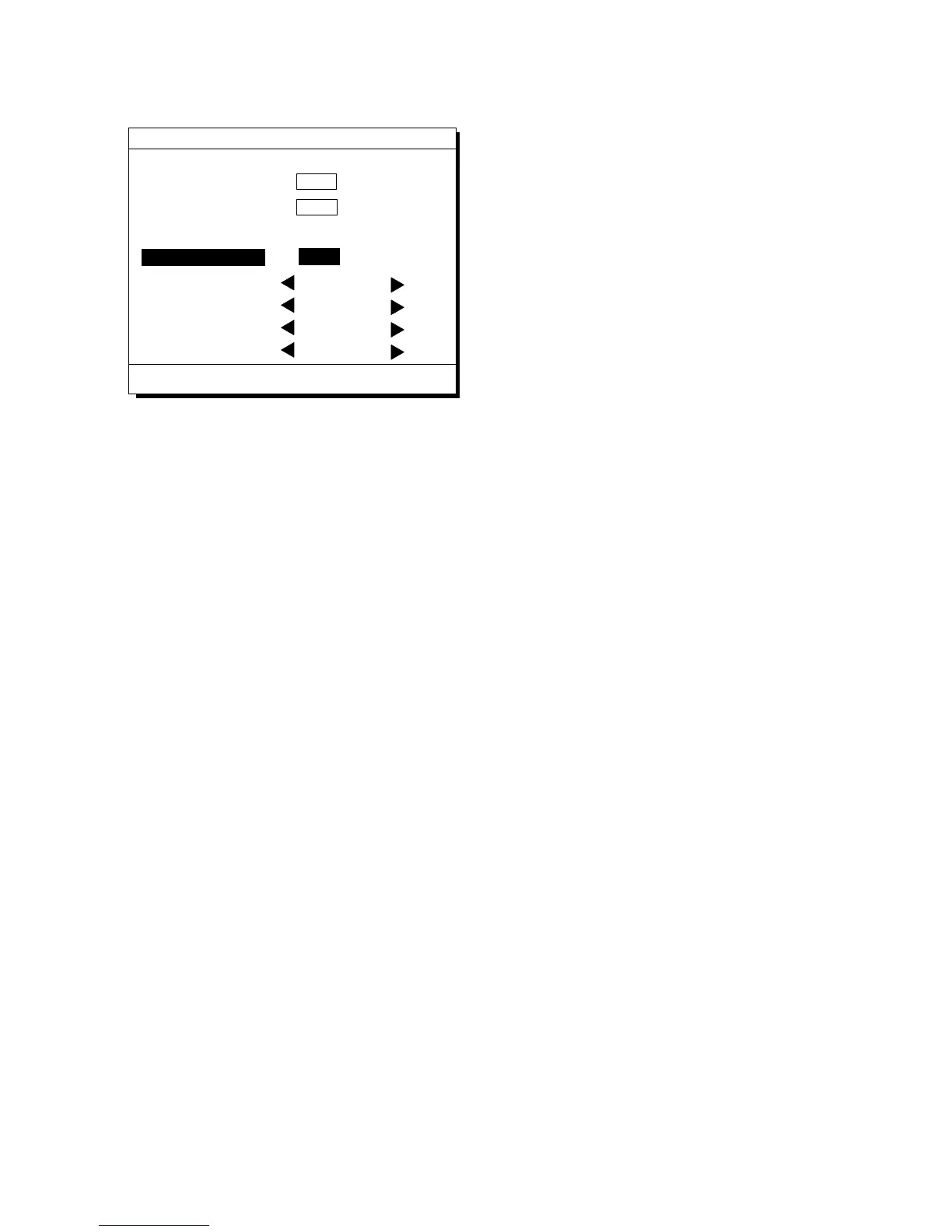
1) Press [MENU ESC] [9] and [1] to dis-
play the PLOTTER SETUP menu.
PLOTTER SETUP
Bearing Ref.
Auto
(07° W)
Man
(00° E)
ENT:Enter
MENU:Escape
Memory Apportion
Mag Variation
True
Trk = 1000 / 2000Pt
Mag
R.L
G.CCalculation
User defined #1 SPD
User defined #2
CRS
User defined #3 RNG
User defined #4 BRG
Figure 5-20 PLOTTER SETUP menu
2) Press ▲ or ▼ to selection Calculation.
3) Press t or s to select R.L (Rhumb Line)
or G.C (Great Circle).
4) Press the [NU/CU ENT] key.
5) Press the [MENU ESC] key.



 To Next Page
 Loading...












