8–3
3) Press t or s to select geodetic datum to
use. For geodetic datum other than WGS-
72 or NAD-27, select OTHER and key in
chart number (001–171) referring to the
geodetic chart list in the Appendix.
4) Press the [NU/CU ENT] key.
5) Press the [MENU ESC] key.
Position offset
If you do not know the type of chart you are
using, GPS position may be wrong. Note the
difference in position when moored to a pier
and enter it on the GPS SETUP menu, to get
correct position.
1) Press [MENU ESC] [9] and [6].
2) Press ▲ or ▼ to select Posn Offset on page
2/2.
3) If necessary press [
] to switch from
north latitude to south latitude or vice
versa.
4) Key in latitude correction.
5) If necessary press [
] to switch from east
longitude to west longitude or vice versa.
6) Key in longitude correction.
7) Press the [NU/CU ENT] key.
8) Press the [MENU ESC] key.
Time difference
1) Press [MENU ESC] [9] and [6].
2) Press ▲ or ▼ to select Time Diff on page
2/2.
3) Key in time difference (–14:00 to +14:00).
4) Press [
] to change from plus to minus
or vice versa.
5) Press the [MENU ESC] key.
Position
After the unit is installed you may enter posi-
tion to shorten the time it takes to find posi-
tion. (It takes about two minutes when there
is no position data entered.)
1) Press [MENU ESC] [9] and [6].
2) Press ▲ or ▼ to select Posn on page 2/2.
3) If necessary, press [
] to switch from
north latitude to south latitude or vice
versa. Key in latitude.
4) If necessary, press [
] to switch from east
longitude to west longitude or vice versa.
Key in longitude.
5) Press the [NU/CU ENT] key.
6) Press the [MENU ESC] key.
8.2 Units of Measurement
Unit of distance
Distance can be displayed in nautical mile,
kilometer or statute mile as follows.
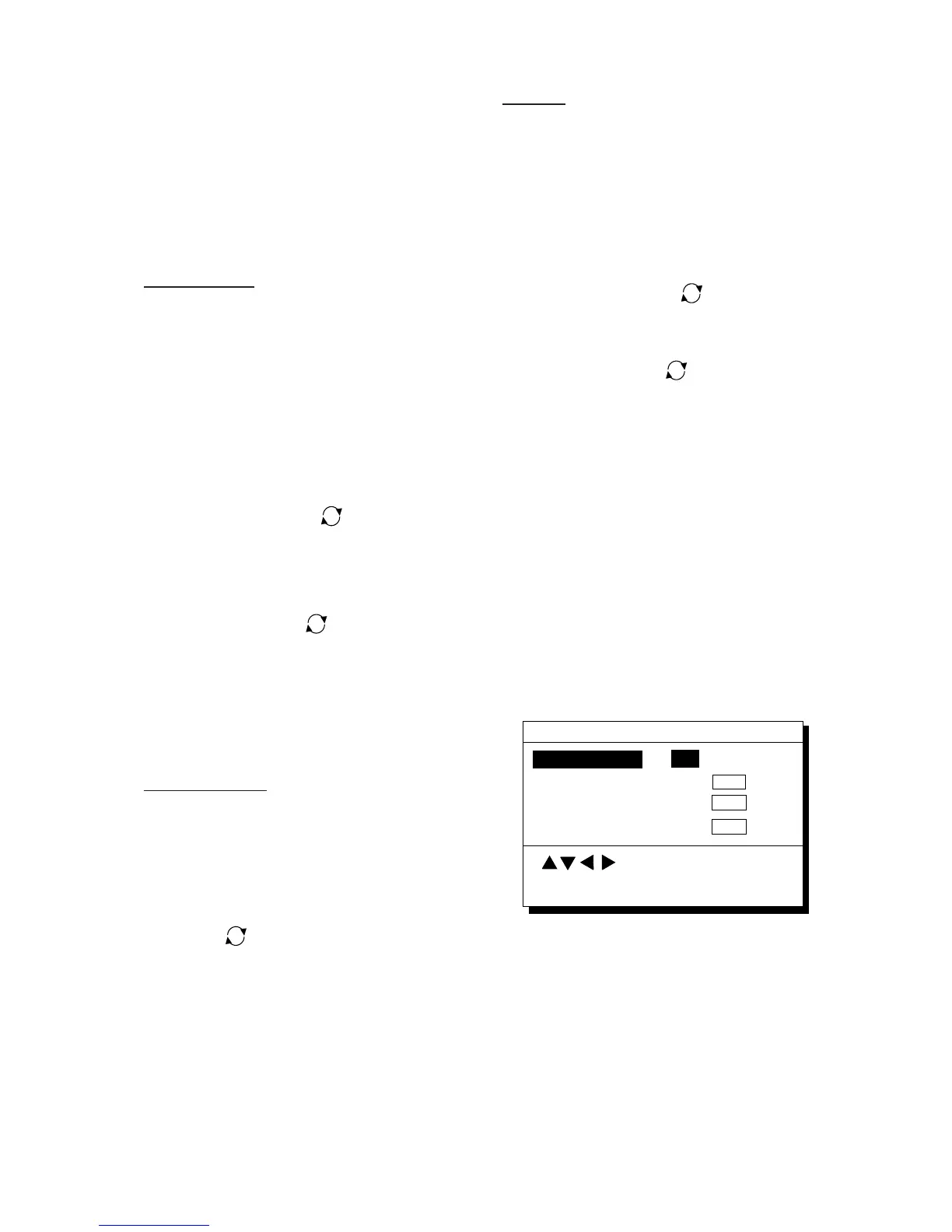
1) Press [MENU ESC] [9] and [2]. The
UNIT SETUP menu appears.
Unit of Depth
Unit of Temp.
Unit of Altitude
UNIT SETUP
MENU : Escape
: Select
° C
° F
km sm
m
ft FA
m
ft
ENT : Enter
Unit of Distance
nm
Figure 8-3 UNIT SETUP menu
2) Press ▲ or ▼ to select Unit of Distance.
3) Press t or s to select unit; nm, km or
sm.
4) Press the [NU/CU ENT] key.
5) Press the [MENU ESC] key.



 To Next Page
 Loading...












