8–2
Setting up the GPS menu
Fix mode
1) Press [MENU ESC] [9] and [6] to dis-
play the GPS SETUP menu.
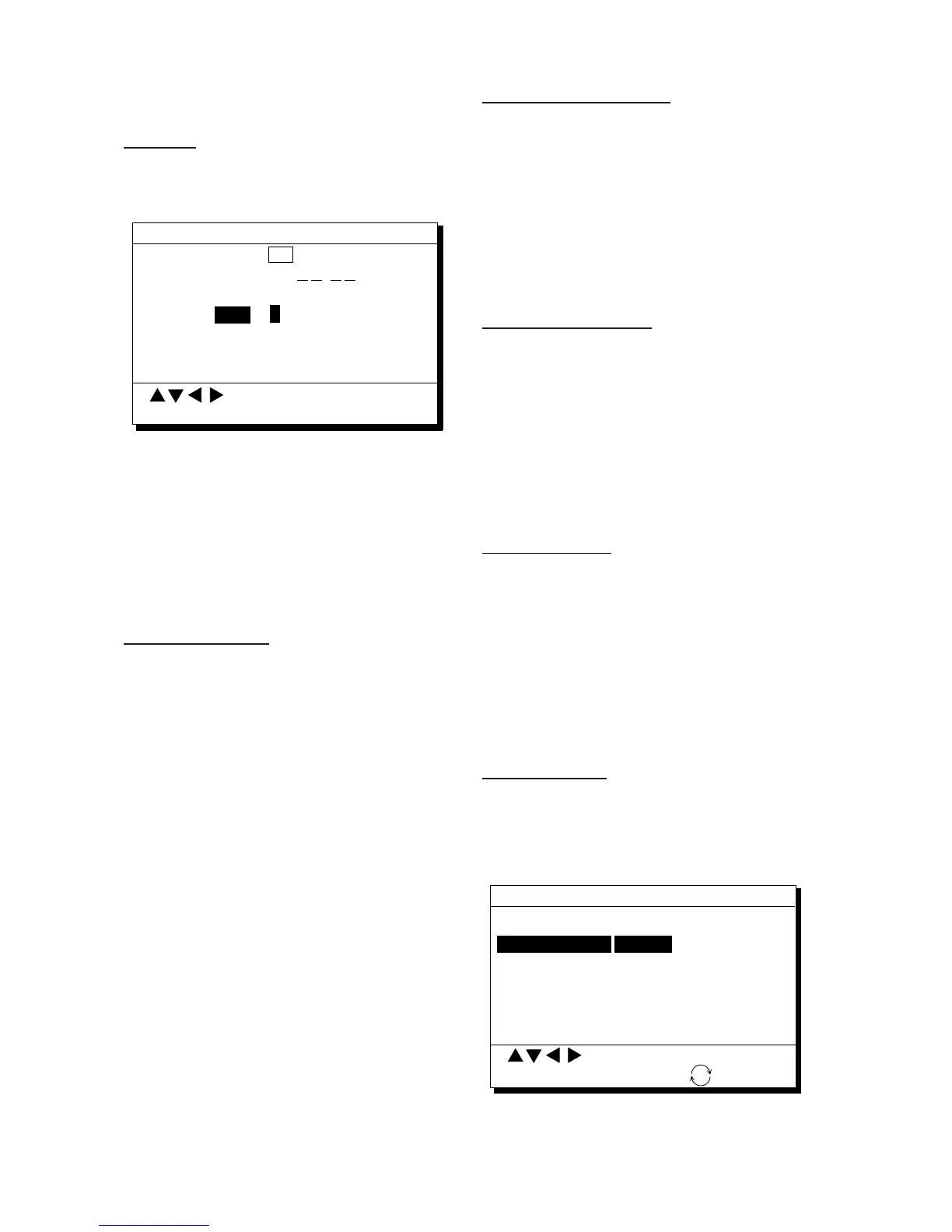
Fix mode 2D 2/3D
Disable satellite 12 (1-32)
GPS Smoothing
Posn 0 0 0 (000-999 sec)
Spd 0 0 5 (000-999 sec)
Speed Average 01 minute
To Next Page
GPS SETUP 1/2
Posn
0
MENU : Escape
: Select
ENT : Enter
Figure 8-1 GPS SETUP menu, page 1/2
2) Press ▲ or ▼ to select Fix mode.
3) Press t or s to select fix mode desired.
4) Press ▼ to change other settings, or press
[MENU ESC] to register settings and es-
cape.
Disabling satellites
When the navigators are sharing data, satel-
lites are disabled on both navigators.
1) Press [MENU ESC] [9] and [6].
2) Press ▲ or ▼ to select Disable satellite.
3) Key in satellite number, in two digits (01–
32). Three sets of satellite numbers may
be entered.
4) Press the [NU/CU ENT] key. If an invalid
number is entered the buzzer sounds.
5) Press the [MENU ESC] key.
Note: To enable all disabled satellites, press
the [CLEAR] key at step 3. All satellite num-
bers on the Disable satellite line are erased.
GPS position smoothing
1) Press [MENU ESC] [9] and [6].
2) Press ▲ or ▼ to select Posn.
3) Enter smoothing factor in three digits
(001–999).
4) Press the [NU/CU ENT] key.
5) Press the [MENU ESC] key.
GPS speed smoothing
1) Press [MENU ESC] [9] and [6].
2) Press ▲ or ▼ to select Spd.
3) Enter smoothing factor in three digits
(001–999).
4) Press the [NU/CU ENT] key.
5) Press the [MENU ESC] key.
Speed averaging
1) Press [MENU ESC] [9] and [6].
2) Press ▲ or ▼ to select Speed Average.
3) Enter smoothing factor in two digits (00–
99).
4) Press the [NU/CU ENT] key.
5) Press the [MENU ESC] key.
Geodetic datum
1) Press [MENU ESC] [9] and [6].
2) Press ▲ or ▼ to select Geodetic Datum
on page 2/2.
To Previous Page
Geodetic Datum WGS84 NAD27 OTHER
(005)
Posn Offset 0.000' N 0.000' E
Time Diff. +09: 00
Posn 12° 36.789' N 112° 47.890' E
GPS SETUP 2/2
MENU : Escape
: Select
ENT : Enter
: +/—
Geodetic Datum WGS84
Figure 8-2 GPS SETUP menu, page 2/2



 To Next Page
 Loading...












