A LOOK AT THE RADIO'S GLID-SPECIFIC FUNCTIONS STEP BY STEP. Those functions which are identical to
the ACRO setups are referred directly to those pages.
MODEL TYPE: This function of the PARAMETER submenu is used to select the type of model programming to be used.
GLIDER TYPES:
Before doing anything else to set up a glider or sailplane, first you must decide which MODEL TYPE best fits your aircraft.
ACRO: for some aerobatic/slope gliders, ACRO is a better choice because of functions it offers that the GLID types do not.
ACRO provides:
SNAP-ROLL,
AILEVATOR (twin elevator servo support),
AIRBRAKE (a more assignable version of BUTTERFLY).
For nitro-powered sailplanes: IDLE-DOWN, THR-CUT, THROTTLE-NEEDLE mixing and THROTTLE DELAY programming.
But ACRO lacks programming for full-span ailerons and START and SPEED OFFSETS.
NOTE: This is one of the several functions that the radio requires confirmation to make a change.
GOAL of EXAMPLE: STEPS: INPUTS:
CH1
CH2
CH4
CH5
CH6
CH7
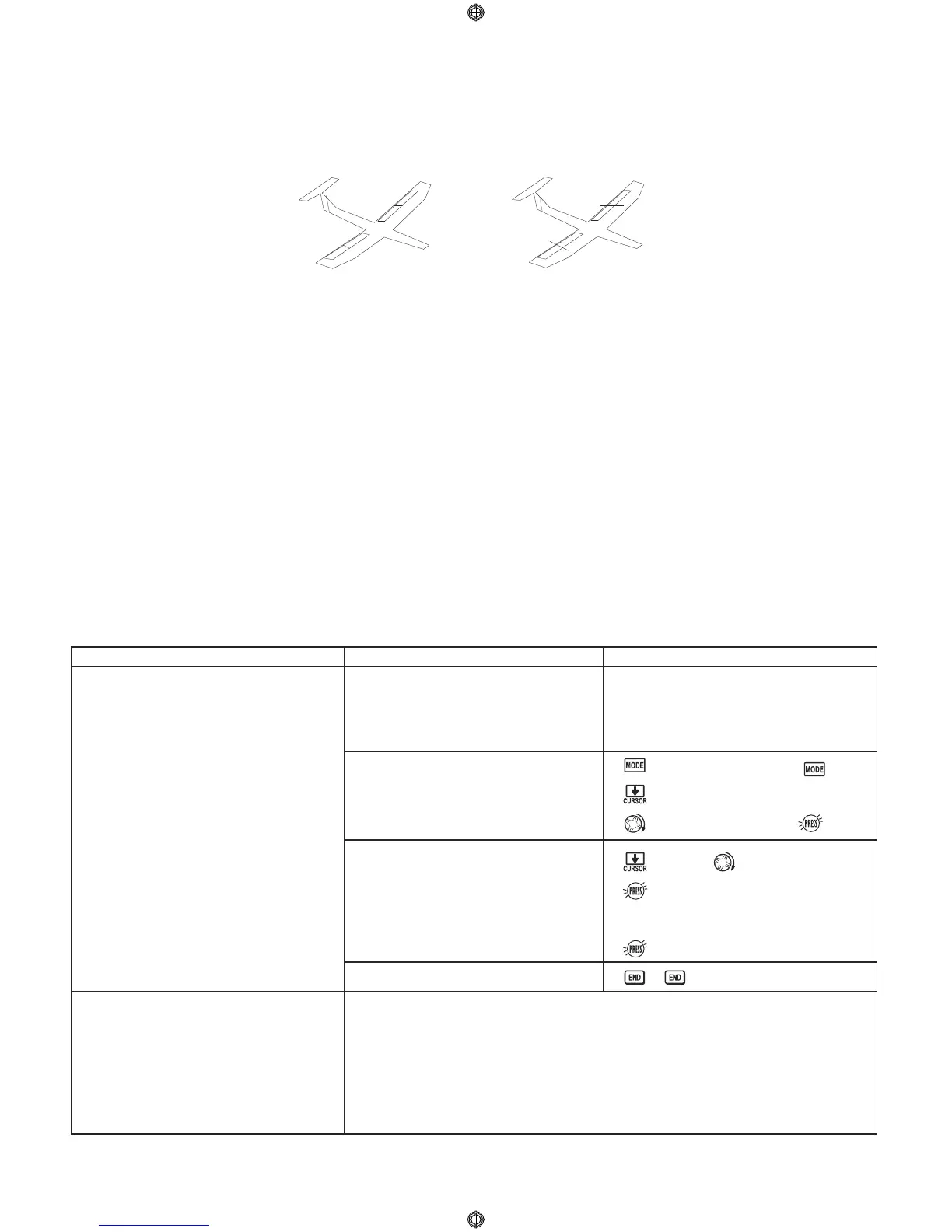
Glider2FLAP/2FL-C Configuration
CH1
CH2
CH4
CH6
CH6
CH7
Glider1FLAP Configuration
70
Change model 1 is MODEL TYPE
to GLID1FLAP.
.
NOTE: This is one of the several
functions that the radio requires
confirmation to make a change.
Where next?
Confirm you are currently using the
proper model memory. (Ex: 1)
Open PARAMETER submenu.
Change the MODEL TYPE.
Confirm the change.
Close.
On home screen, check model name
and number on top left.
If it is not the correct model (Ex: 1),
use MODEL SELECT, p. 25.
for 1 second.
(If Advance menu again.)
to 2nd page of menu.
1 step to PARAMETER.
to TYPE. to GLID1FLAP
for one second.
sure? Confirmation displays.
to confirm.
Remember: Now that you changed MODEL TYPE, the model memory is
almost completely reset. Only the modulation remains intact.
NAME the model: p. 27.
Change the receiver modulation from FM (PPM) to PCM or vice versa: see p. 30.
Utilize servo REVERSE: see p. 31.
Adjust servo travel with END POINT: see p. 32.
Set up dual/triple rates and exponential (D/R,EXP): see p. 35.
GLID2FLAP/GLID2FL-C: The GLID2FLAP/GLID2FL-C MODEL TYPE supports dual flap servos that can also act as
ailerons, creating full-span ailerons and flaps. Additional flight conditions available (GLID2FL-C only). These
flight conditions contain different offset trims and aileron differentials to make the sailplane perform certain
maneuvers more easily.
GLID1FLAP: The GLID1FLAP MODEL TYPE is intended for sailplanes with one or two aileron servos (or none), and
a single flap servo (or two connected with a y-connector). This TYPE is meant to be a very simplistic version to set up
a basic glider without a lot of added features. Full-span ailerons are not possible in this MODEL TYPE.
•
•
•
•
•
•
•
•
•


 To Next Page