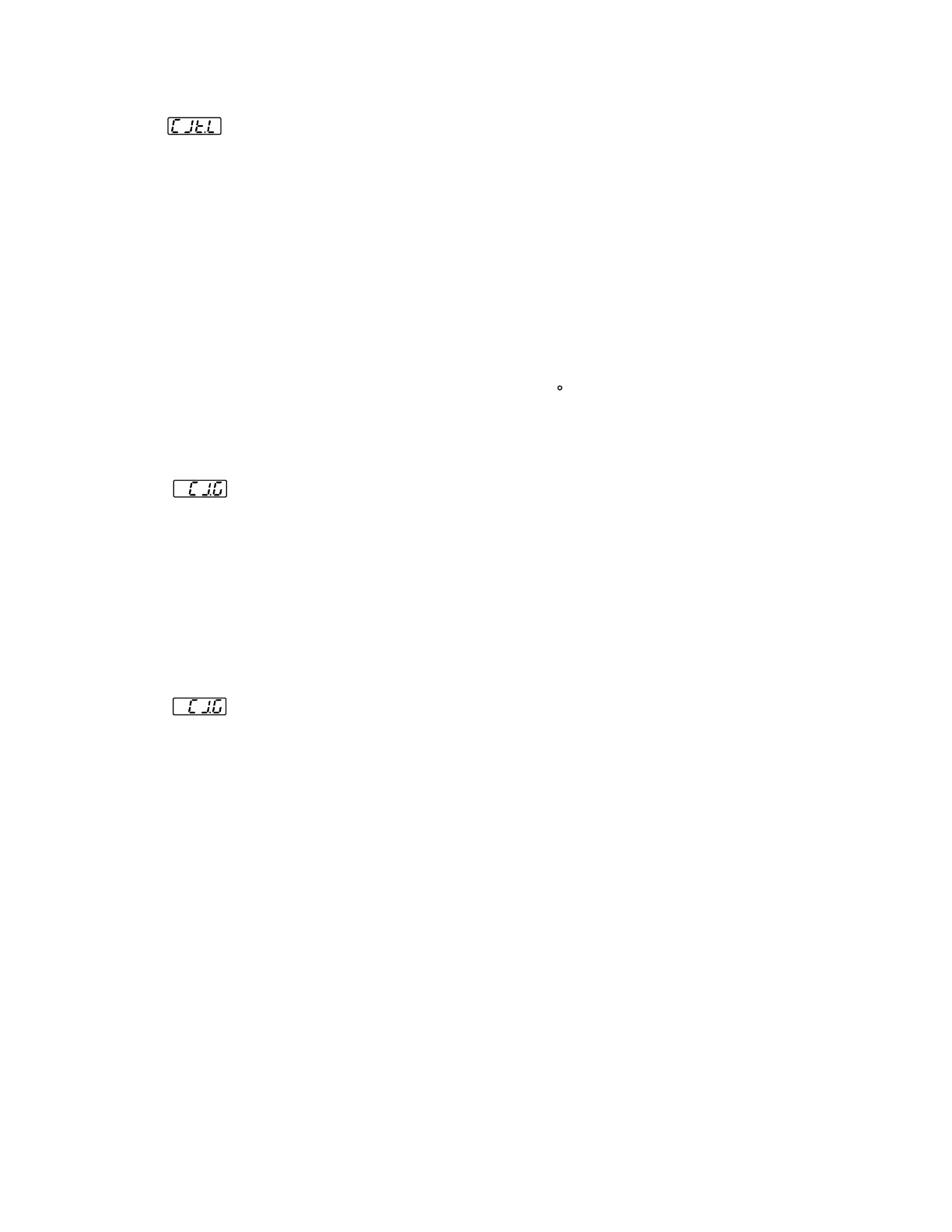
Perform step 1 stated above , then press scroll key until the display
shows . Apply up/down key until value 0.0 is obtained. Press
scroll key for at least 3 seconds . The display will blink a moment and
a new value is obtained. Otherwise , if the display didn't blink or if
the obtained value is equal to -199.9 or 199.9, then the calibration
fails.
Perform step 1 stated above , then press scroll key until the display
shows . Apply up/down key until value 0.0 is obtained. Press
scroll key for at least 3 seconds . The display will blink a moment and
a new value is obtained. Otherwise , if the display didn't blink or if
the obtained value is equal to -199.9 or 199.9, then the calibration
fails.
Perform step 1 stated above , then press scroll key until the display
shows . Apply up/down key until value 0.1 is obtained.
Press scroll key for at least 3 seconds. The display will blink a moment
and the new value 0.0 is obtained. Otherwise , the calibration fails.
Perform step 1 stated above , then press scroll key until the display
shows . Apply up/down key until value 0.1 is obtained.
Press scroll key for at least 3 seconds. The display will blink a moment
and the new value 0.0 is obtained. Otherwise , the calibration fails.
Perform step 11 to calibrate of compensation if
required,
otherwise
, perform step 11N to use a nominal value for the
cold junction gain if a for calibration is .
gain cold junction
test chamber not available
Perform step 11 to calibrate of compensation if
required, otherwise , perform step 11N to use a nominal value for the
cold junction gain if a for calibration is .
gain
cold
junction
test chamber not available
Setup the equipments same as step 10. The unit under calibration is
powered in
a still-air room with temperature . Stay at least 20
minutes for warming up . The calibrator source is set at 0.00 C with
internal compensation mode.
50 3 CAB
Setup the equipments same as step 10. The unit under calibration is
powered in a still-air room with temperature . Stay at least 20
minutes for warming up . The calibrator source is set at 0.00 C with
internal compensation mode.
50
3
CAB
Step 11.Step 11.
The unit under calibration is powered in a still-air room with
temperature
.
Stay at least 20 minutes for warming up. The
DIP Switch is located at TC input .
Perform step 1 stated above, then press scroll key until the display
shows . Apply up/down key until value 0.00 is obtained .
Press scroll key at least 3 seconds. The display will blink a moment
and a new value is obtained . Otherwise , if the display didn't blink
or if the obtained value is equal to -5.00 or 40.00, then the calibration
fails.
25 3 CAB
The unit under calibration is powered in a still-air room with
temperature
. Stay at least 20 minutes for warming up. The
DIP Switch is located at TC input .
P
erform
step 1 stated above, then press scroll key until the display
shows . Apply up/down key until value 0.00 is obtained .
Press scroll key at least 3 seconds. The display will blink a moment
and a new value is obtained . Otherwise , if the display didn't blink
or if the obtained value is equal to -5.00 or 40.00, then the calibration
fails.
25
3
CAB
*
*
Final stepFinal step
Set the DIP switch to your desired position ( refer to ).section 1-3Set the DIP switch
to your desired position ( refer to ).section 1-3
This setup is performed in a , hence it is
recommended to
use a computer to perform the procedures.
high temperature chamberThis setup is performed in a,hence it is
recommended to use a computer to perform the procedures.
high temperature chamber
It is to use this step 11N, since the
to achieve rated accuracy by this step.
not recommended cold junction
gain is not able
It is to use this step 11N, since the
to achieve rated accuracy by this step.
not recommended cold junction
gain is not able
UM83001A-August-2024
41



 To Next Page