UM-STO-C Revision C 13
Operators and Technicians
PSA-66-001N
DO NOT:
• Ever allow a screw driver or other probing object to come into contact with the printer; this can cause
permanent damage
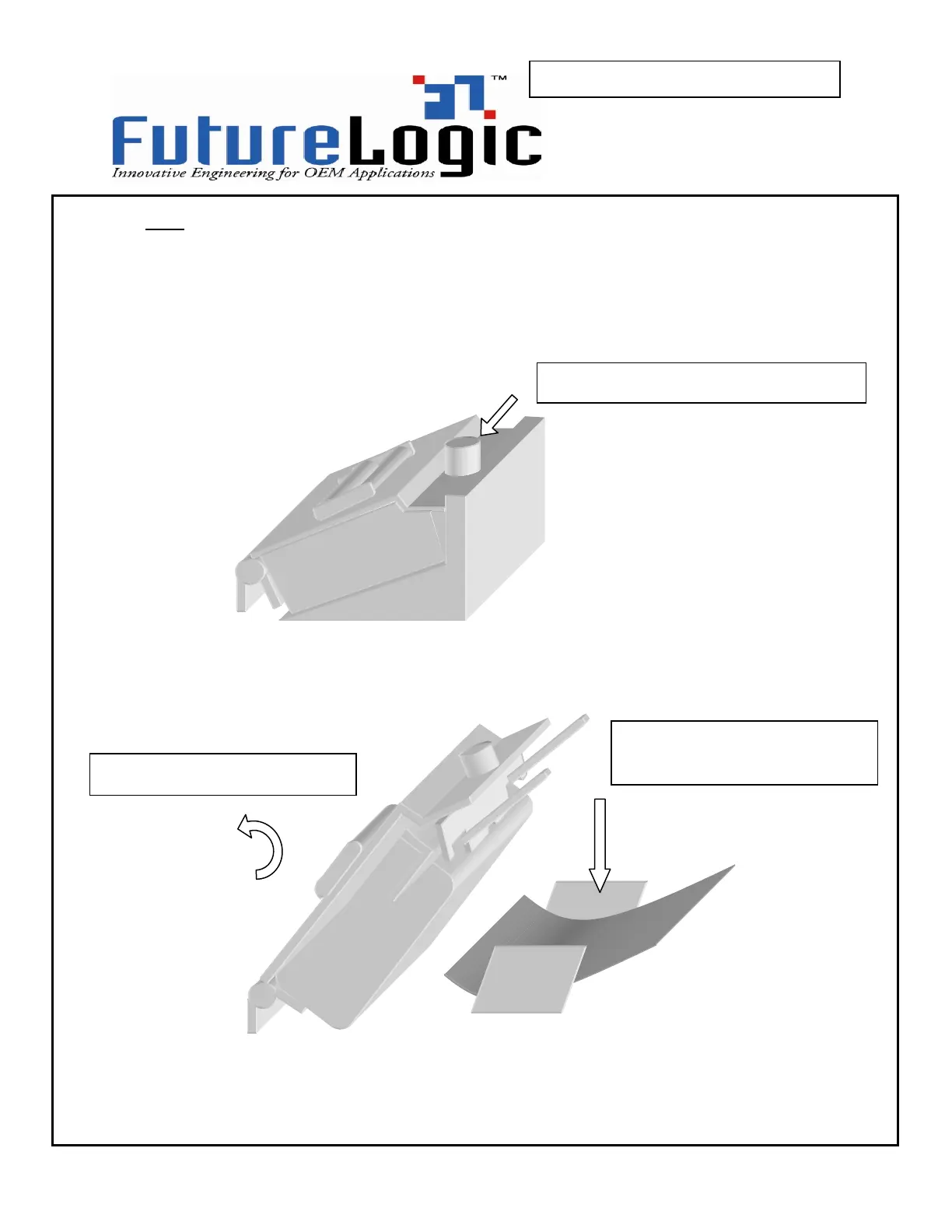
Undo the mechanism fastening screw at the top of the printer plate at the front of the
printer:
Swivel the printer open. The paper path will be exposed, and any jammed paper can
be removed:
2 –
swivel the head open
3 –
paper can be cleared from
chute under the printer engine
1 –
undo the fastening screw



 To Next Page