UM-STO-C Revision C 14
Operators and Technicians
PSA-66-001N
3 SERVICING THE PRINTER
Should the printer require service outside of the game, the sliding module which includes the majority of
electronics may be easily removed and replaced. This chapter covers the sliding module removal
operation.
3.1 Removing the Inner Module
The sliding module of the PSA-66-ST may be removed from its stationary module by following the simple
steps given below. To re-install the sliding module, repeat the steps in reverse order.
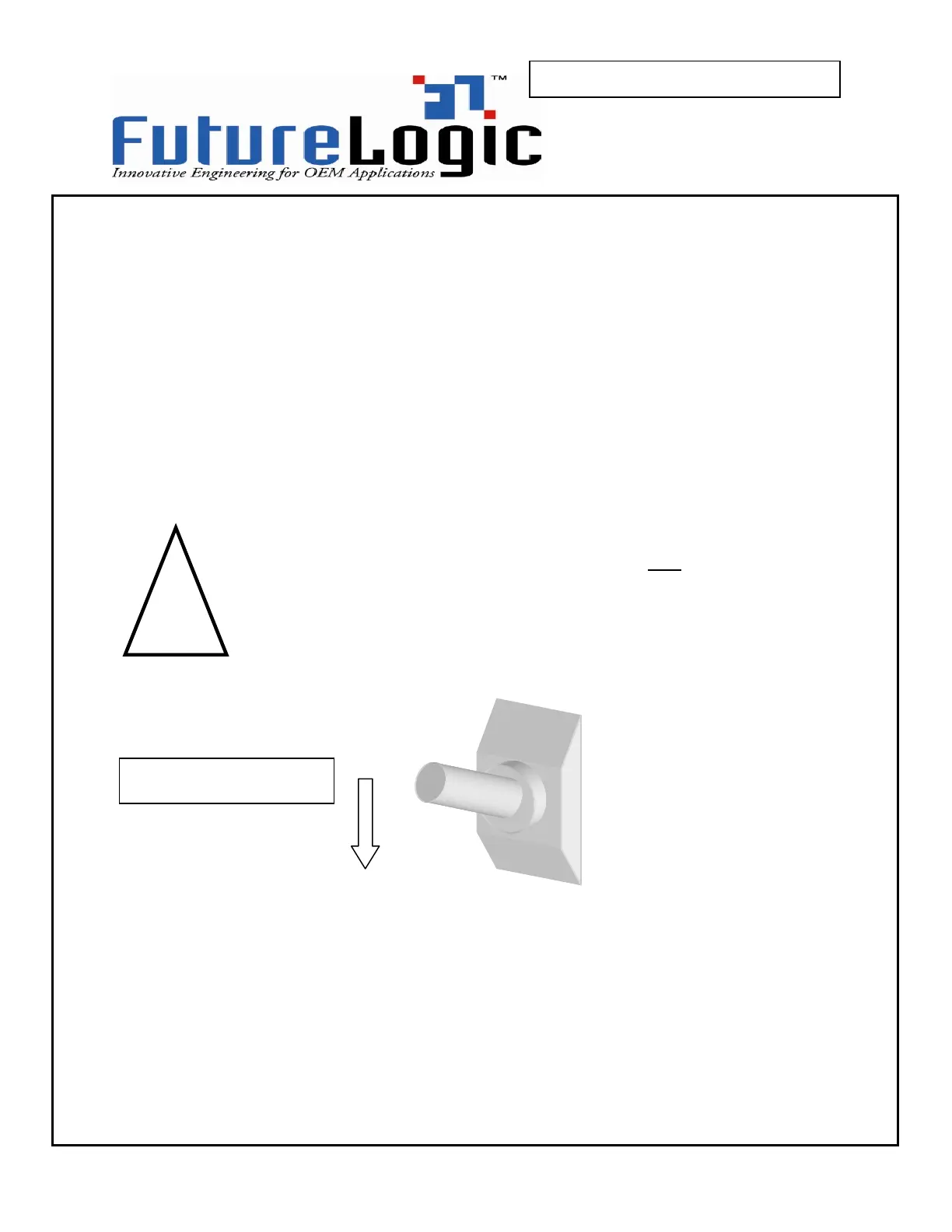
Turn off the power.
1 –
turn off the power
The printer is
not
hot-connectable and
any attempt to do so can permanently
damage the printer!



 To Next Page