UM-STO-C Revision C 7
Operators and Technicians
PSA-66-001N
2 OPERATOR INTERFACE
2.1 Operator Controls and Indicators
The printer is equipped with 2 status indicators and 2 operator controls to allow the operator to know the
status of the printer at all times. The status indicators are:
• The front bezel light
• The STATUS and ERROR LEDs on the keypad
The operator controls for the printer are:
• The FEED key
• The platen release lever
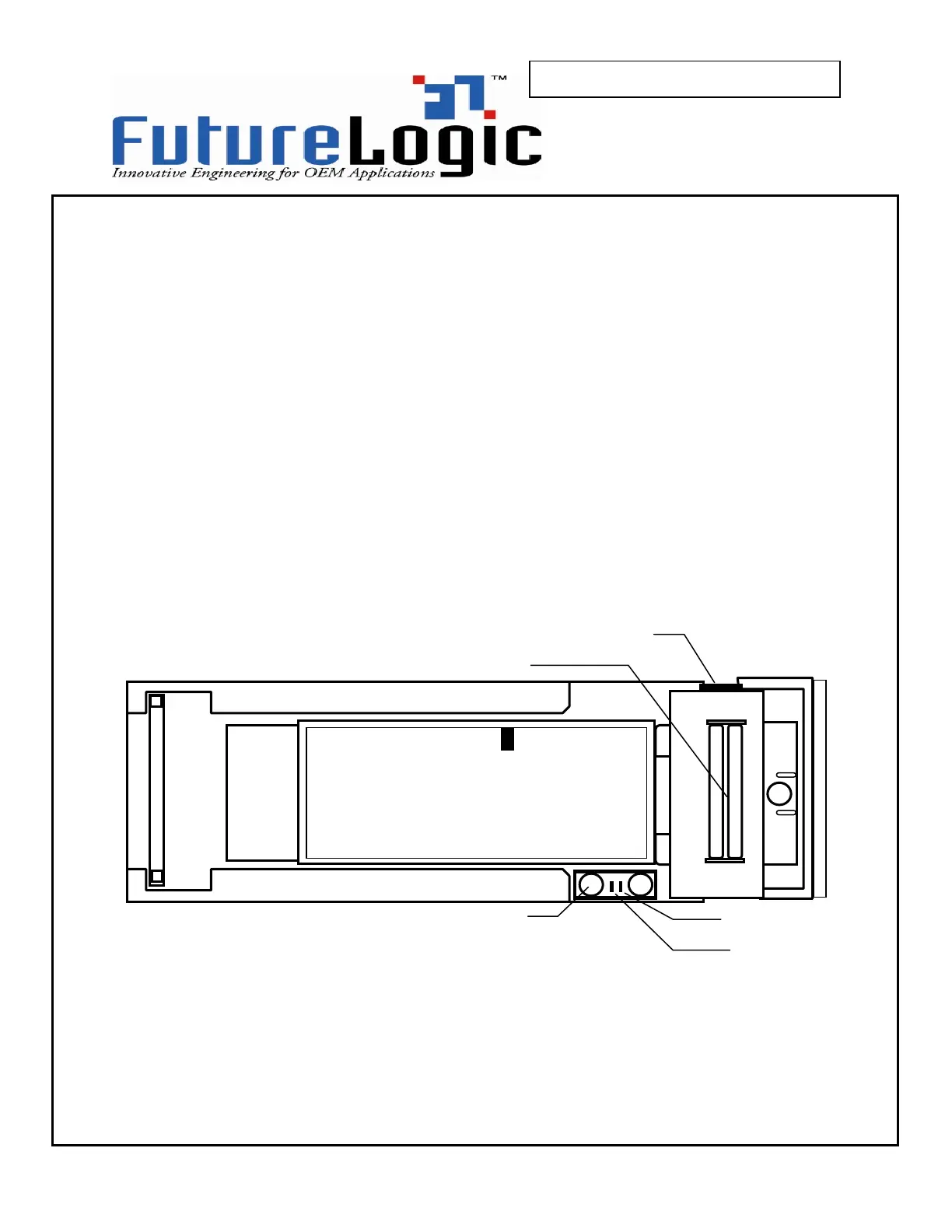
Figure 2-1 below illustrates the location of these controls and displays. The purpose of this section is to
detail the operation of the printer around these displays and controls.
Figure 2-1 Operator Controls
Error! light
Status light
INDEX MARK SIDE UP



 To Next Page