UM-STO-C Revision C 25
Operators and Technicians
PSA-66-001N
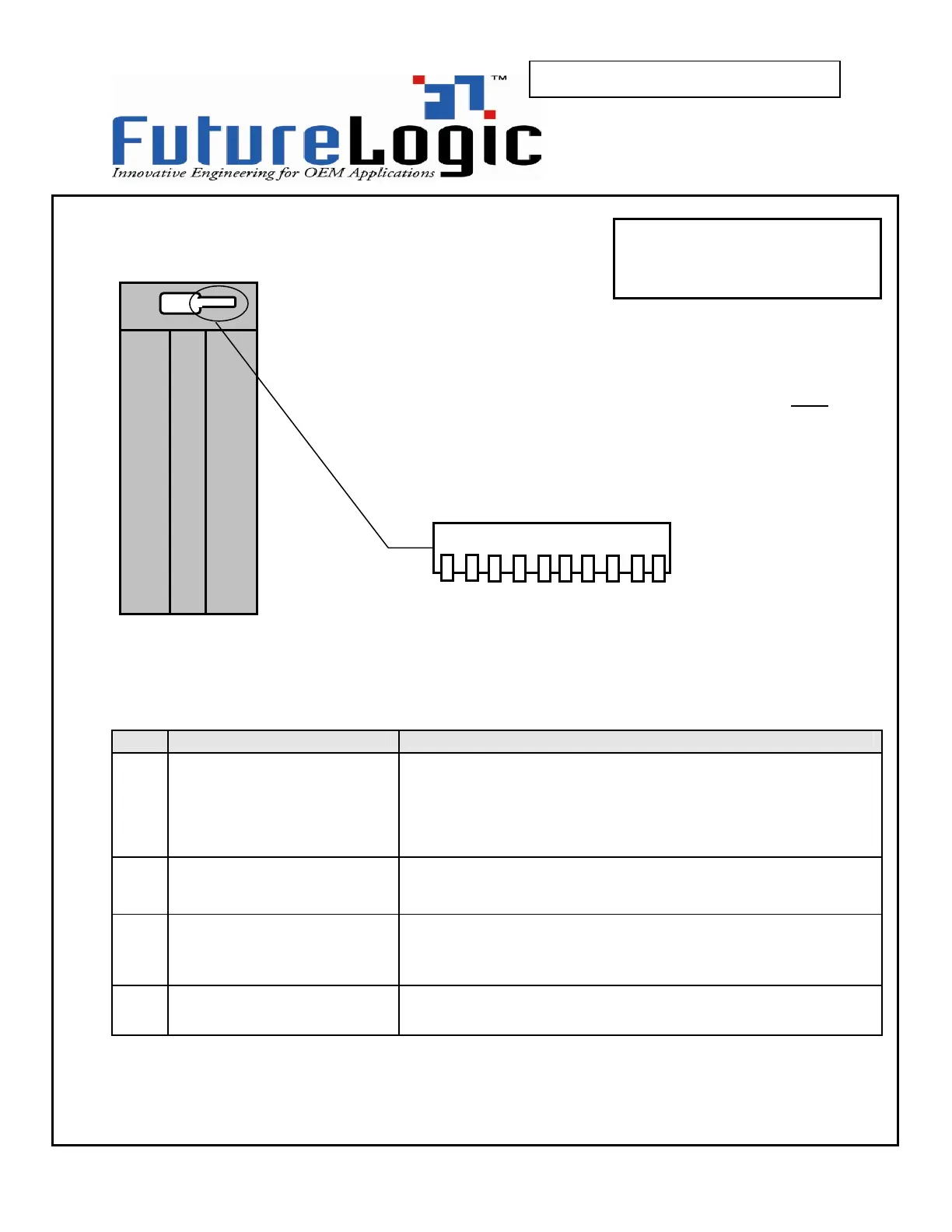
Figure 4-7 PSA-66-ST RS232 Dip Switches Bottom View
Table 4-7 PSA-66-ST RS232 10 Position Dip Switch Settings
POS FUNCTION CONFIGURATION
1
2
3
4
5
6
Reserved
OFF these switches must always be left
off
7
INTERFACE SELECT
!Note: this must be set
for future compatibility
OFF Not allowed
ON RS232
8
9
COMMUNICATIONS
PROTOCOL
9=OFF 8=OFF illegal setting, do not use
9=OFF 8=ON serial 38400,N,8,1
9=ON 8=OFF serial 9600,N,8,1
9=ON 8=ON serial 57600,N,8,1
10
HANDSHAKING
OFF XON/XOFF + RTS hardware handshake
ON RTS hardware handshake only
The printer has a set of 10 dip switches which appear through an
access slot on the bottom of the stationary module. The dip switches
are used to select the communications protocol. The switches must
be set according to the table below.
Be sure to set dip switch 7 properly in order to maintain
future compatibility between machines.
PSA-66-ST
RS232 Version
10
1



 To Next Page