UM-STO-C Revision C 9
Operators and Technicians
PSA-66-001N
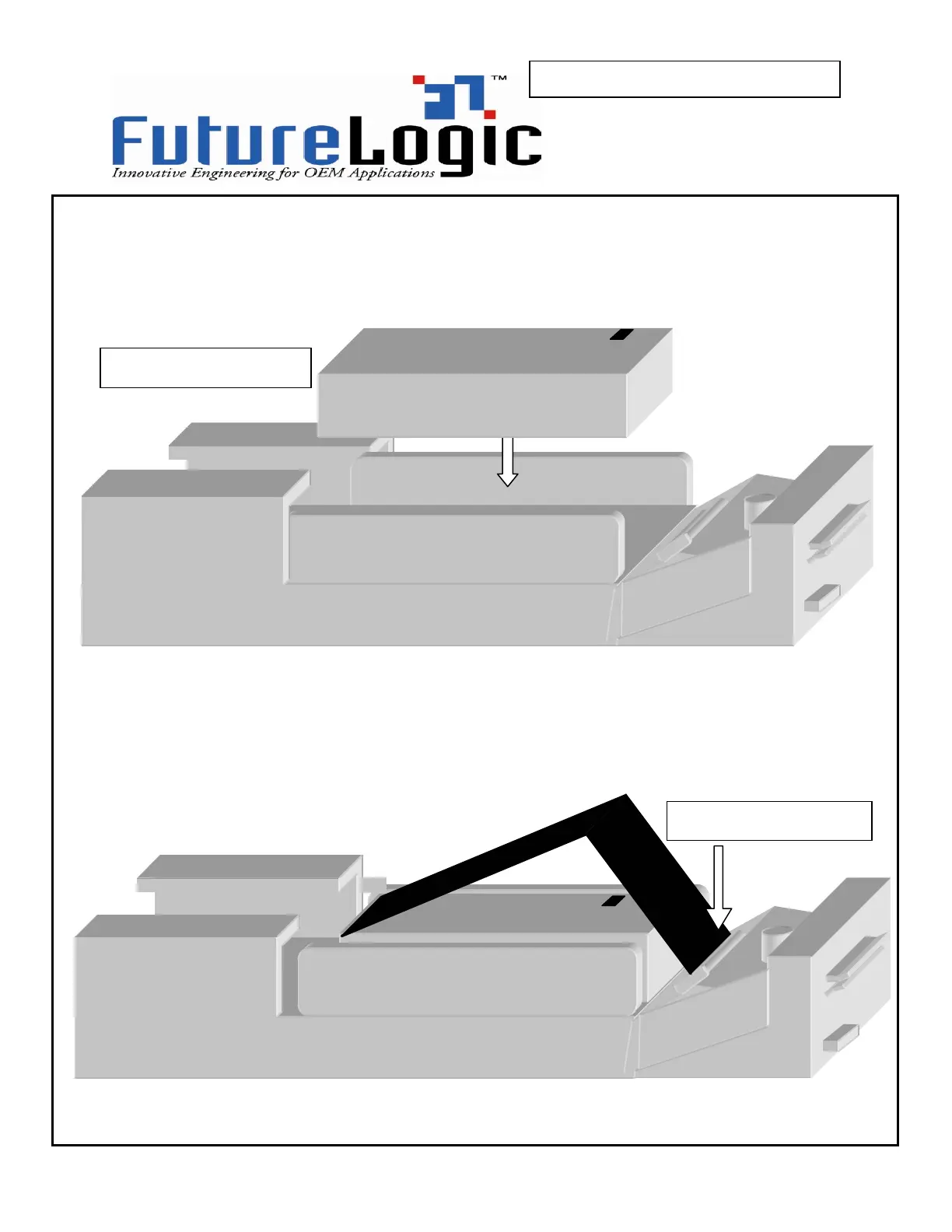
Follow these steps to load paper:
Pull open the printer drawer until the paper tray is completely accessible. Place the
paper stack in the printer as indicated by the band around the stack and the label in the
bottom of the paper tray.
Insert paper into the paper loading slot; the printer will automatically pull through a form
or two, leaving it registered at the top of a form. Remove the excess tickets from the
printer.
1 –
insert paper stack
2 –
insert paper here



 To Next Page