p.11
About Your G-RAID
Daisy Chaining with Thunderbolt Technology
As with rst-generation Thunderbolt technology, Thunderbolt 2 supports daisy chaining
up to 6 compatible devices. This provides the ability to achieve bi-directional, dual-chan-
nel data transfer. First-generation Thunderbolt supported a maximum speed of 10 Gb/s
through each channel whereas Thunderbolt 2 leaps to 20 Gb/s. However, taking full advan-
tage of Thunderbolt 2 technology requires you to connect with a computer equipped with
at least one enabled Thunderbolt 2 port.
You may attach up to six Thunderbolt devices in the chain including your G-RAID Studio.
With 20 Gb/s performance, your computer can take advantage of Thunderbolt 2’s tremen-
dous throughput potential for your G-Technology storage solutions. The daisy chain can
also include up to two compatible displays along with up to four G-RAID Studios.
Important Note: Starting from your computer all the way downstream in your daisy chain,
if one of the devices is capable of handling only 10 Gb/s maximum allowable speed — i.e.,
if the device is rst-generation Thunderbolt-enabled — then from that point on in the
chain, the maximum per-channel downstream speed will be restricted to 10 Gb/s.
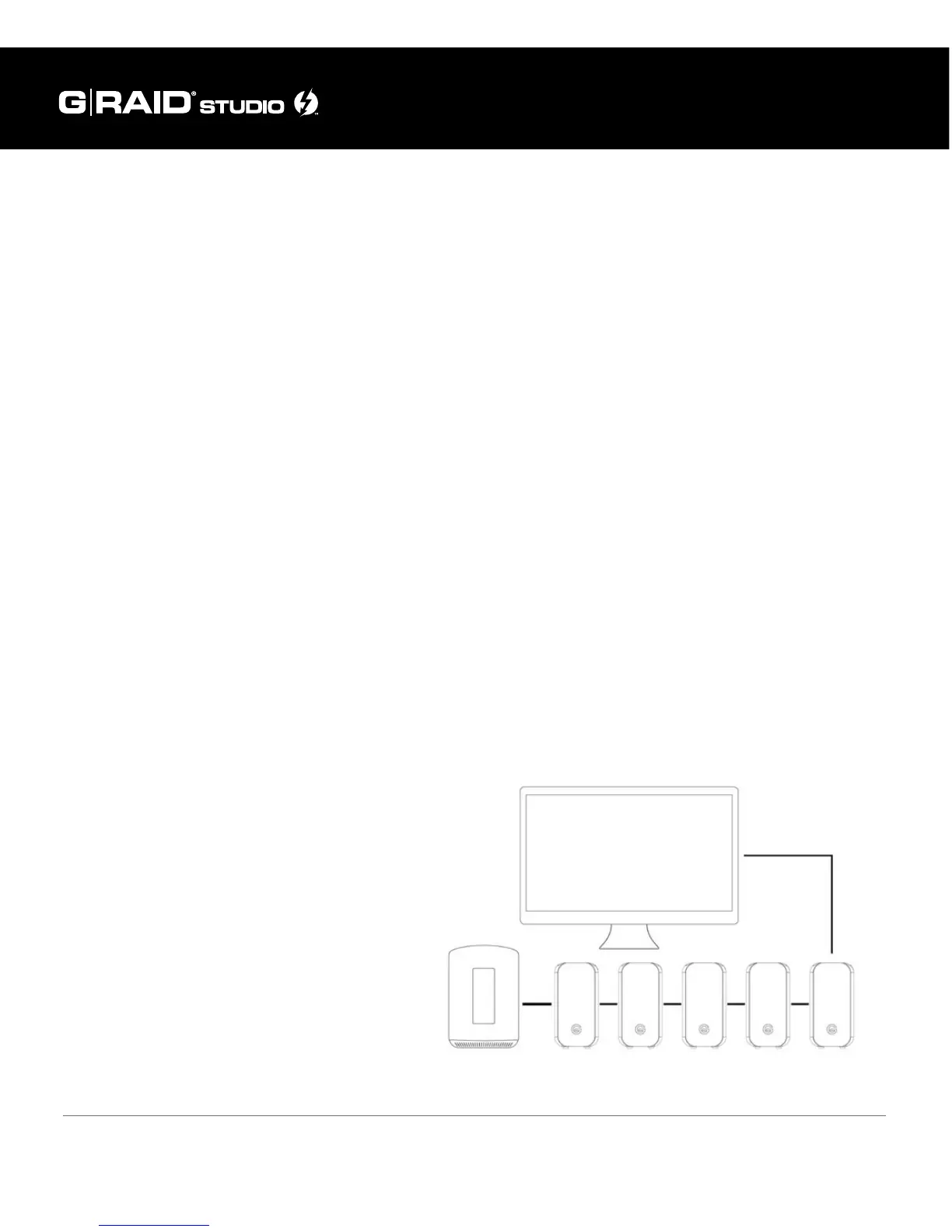
How to daisy chain multiple devices: To daisy chain your G-RAID Studio, connect the
Thunderbolt 2 port of your G-RAID Studio to the host computer’s Thunderbolt 2 port with
the included Thunderbolt cable. You can
connect up to six Thunderbolt devices in
a chain, including the G-RAID Studio, one
after another as shown in the diagram
below using the second Thunderbolt port
of each drive. Connect all drives with their
provided AC power adapters to a surge
protector or wall outlet(s) and power on
each drive. Your Thunderbolt devices are
now daisy chained and available to work
in tandem through the same host.















 To Next Page