Using RAID Modes
p.21
The RAID Conguration Utility
The G-Technology RAID Congurator is used to change the RAID level of your G-RAID
Studio. You can use any of the two Thunderbolt 2 ports in your G-RAID Studio with the
RAID Congurator application. To congure G-RAID Studio, it will need to be the only
device connected to your computer.
The RAID Congurator utility is available for download from the G-Technology website
at g-technology.com/support. There are both Mac and Windows version of the utility.
Please download the right utility depending on the host operating system that you are
using.
Once you have downloaded the RAID Congurator, you should launch it directly from
the mounted disk image.
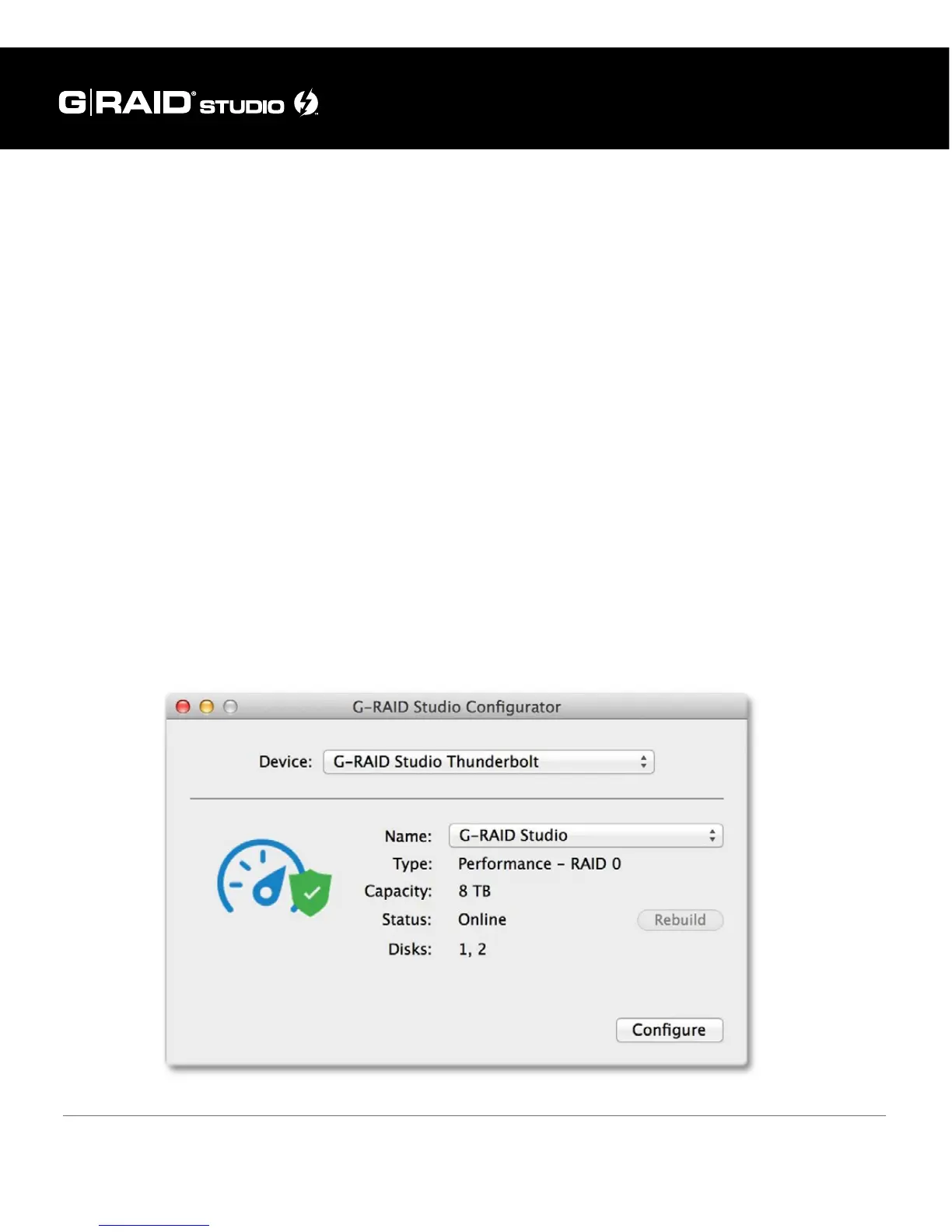
Once you install and launch the RAID Conguration Utility the tool shows the current
status and other details of the drive similar to the diagram below.















 To Next Page