p.40
Maintenance for Your Drive
Replace a Failed Drive Module
G-RAID Studio continually monitors the health of its internal disk drive conguration.
In the event of a drive failure, a visual alarm will appear. Read more in Activity and
Failure LEDs.
Follow the steps below to identify and replace a failed drive.
1. With G-RAID Studio powered up, the RED LED under the top lid will indicate which
drive module failed. For more information, see Activity and Failure LEDs.
2. Remove the failed drive by pressing its module release button and gently sliding
the drive module out of the enclosure.
3. Replacve the failed drive with a new disk module. Secure it in place by pushing in
the drive and latching the handle.
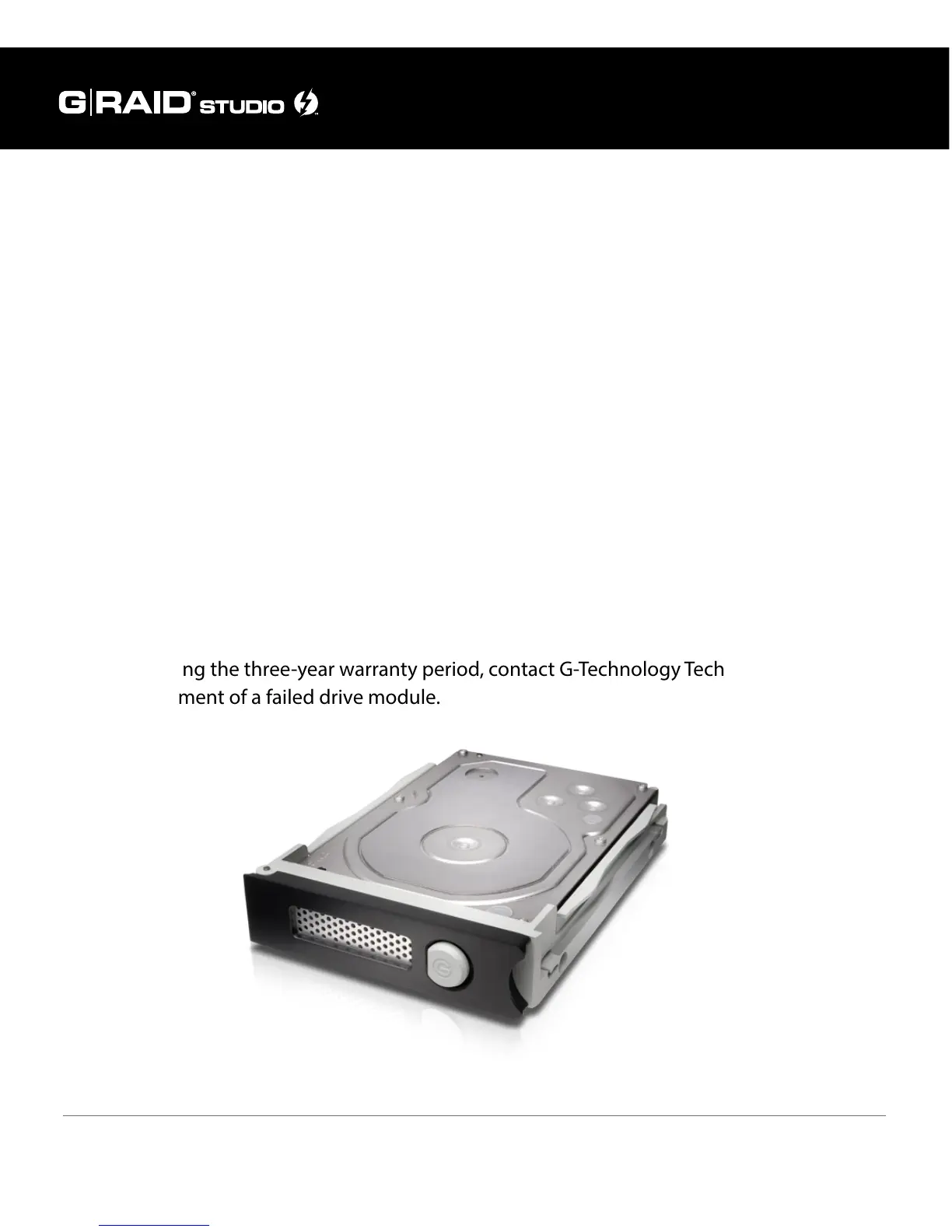
NOTE: During the three-year warranty period, contact G-Technology Technical Support
for replacement of a failed drive module.















 To Next Page