Using RAID Modes
p.20
G-Technology Assistant Menu
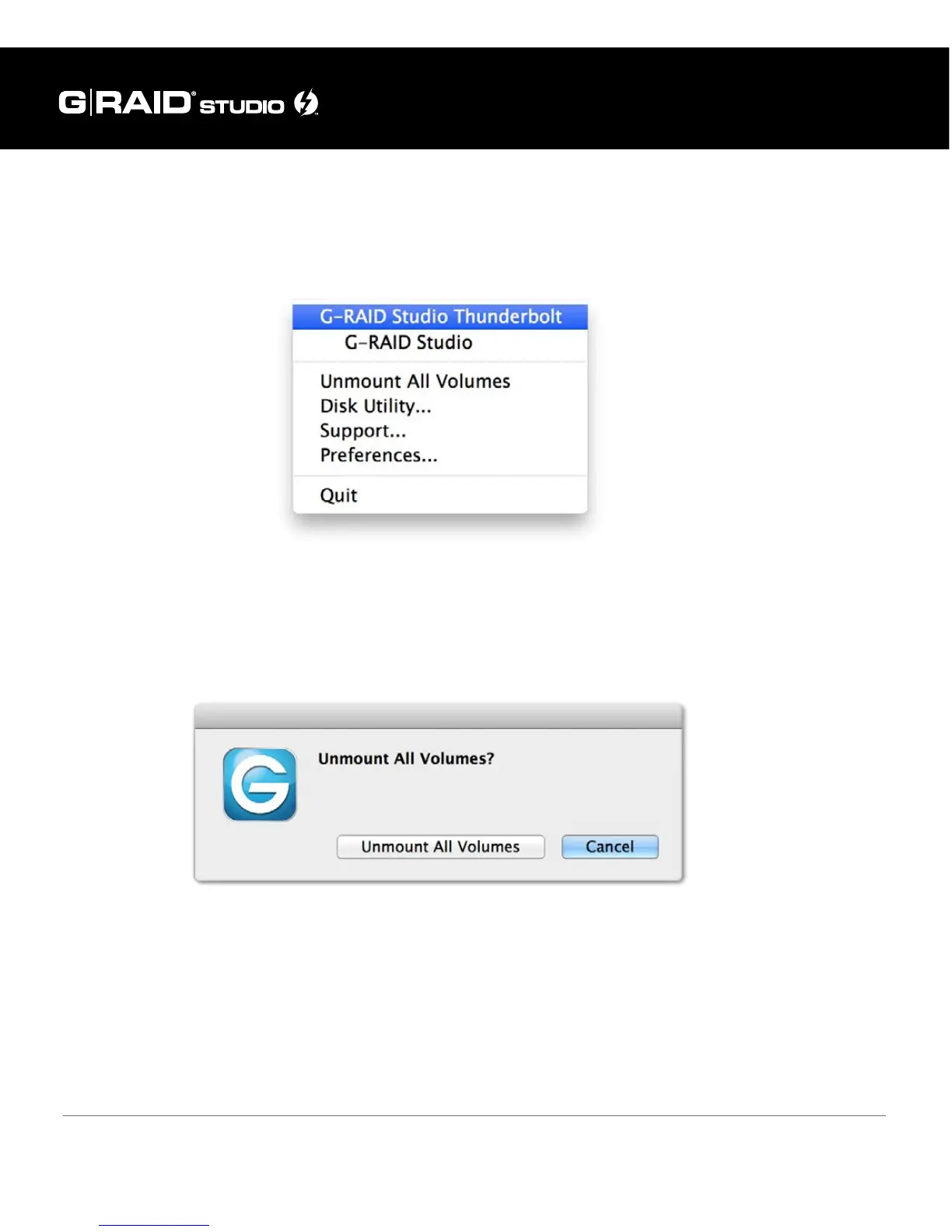
There are helpful menu items in the G-Technology Assistant utility.
Once G-Technology Assistant has been successfully installed, the utility’s “G” icon will appear
in your menu bar. By selecting this icon, the G-Technology Assistant menu will appear.
Unmount All Volumes: Unmounts supported G-Technology drives attached to the system.
You will need to conrm your selection prior to unmounting the drives.
Disk Utility: Opens the Disk Utility application.
Support: Opens your Web browser and takes you to the G-Technology support page.
Preferences: Change the preferences of GTA.















 To Next Page