Using RAID Modes
p.18
Supported RAID Modes
G-RAID Studio arrives precongured in RAID 0 (Performance) mode and formatted for use
with Mac OS systems. The solution can also be congured in RAID 1 (Protected) mode or JBOD
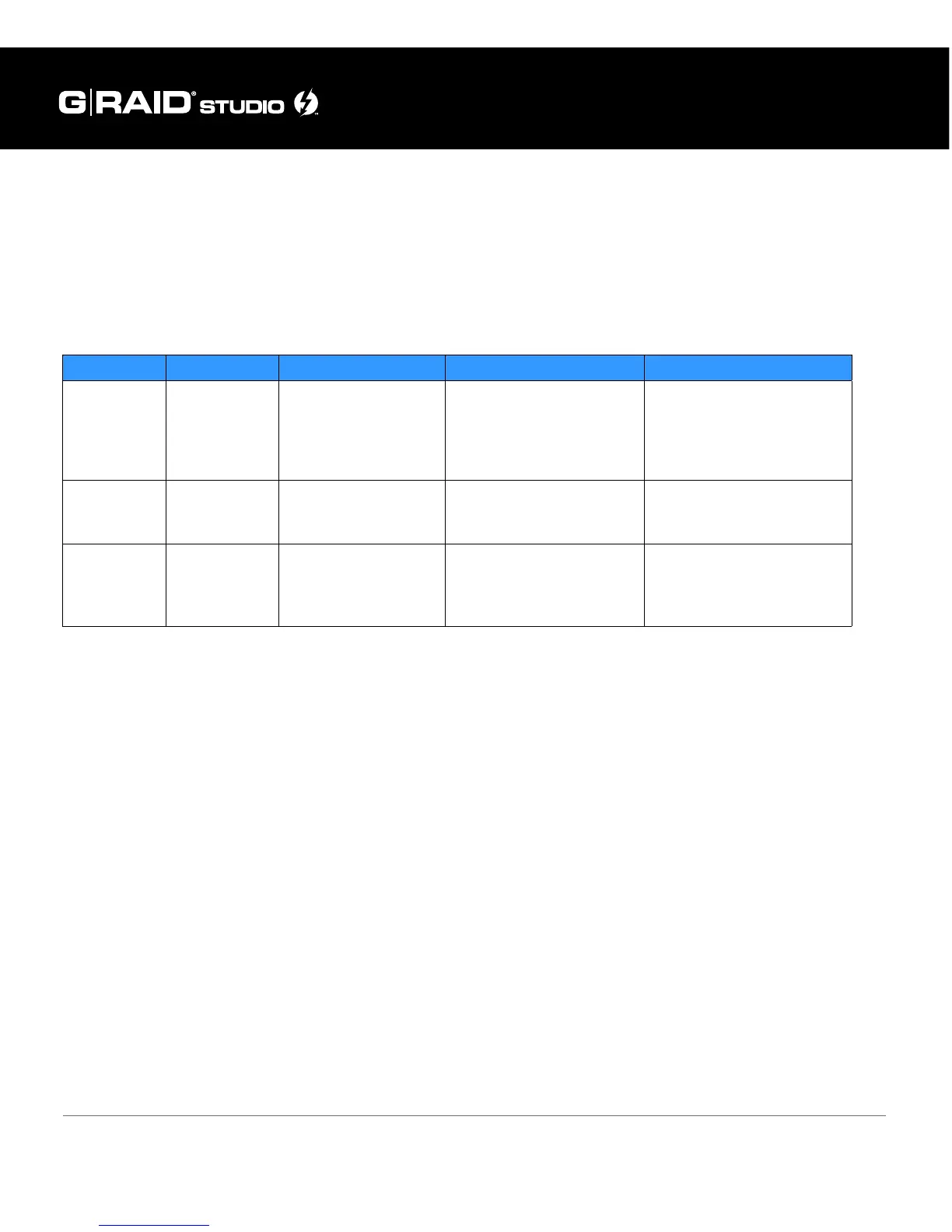
mode. The following table explains the advantages and disadvantages of each RAID level.
To change the RAID mode of the G-RAID Studio, follow the steps in Congure the RAID Mode.
RAID 0 (Performance)
This default RAID mode features 100 percent storage capacity (for example, two 4TB drives
would provide 8TB of unformatted capacity) and is ideal for video editing. In RAID 0, the
drives combine into a shared capacity pool and data is split (“striped”) between the two
drives for increased performance.
RAID 1 (Protected)
RAID 1 oers additional protection for your data, making it ideal for sensitive les, but it oper-
ates at the speed of a single drive. In RAID 1, the array will be at 50 percent of its total physi-
cal capacity since the same data is written (“mirrored”) to both drives simultaneously.
JBOD
JBOD is great for maximum capacity utilization without the risk of losing an entire data set, as
in the case of RAID 0.
RAID Level Description Advantage Disadvantage Ideal For
RAID 0 Disk Striping
Highest read/write
performance. Storage
capacity is 100%
utilized.
No fault tolerance. Single
drive failure will result in
complete data loss.
Highest storage capacity
utilization and highest
performance.
RAID 1 Disk Mirroring
Complete data
protection in case of a
single drive failure.
Read/write performance is
reduced to half of RAID 0
performance.
Sensitive data which requires
constant backing up. High
performance not required.
JBOD
Disk not
RAIDed
Storage capacity is
100% utilized. Partial
data protection if a
single drive fails.
Read/write performance is
reduced to half of RAID 0
performance.
Highest storage capacity
utilization when partial data
loss is acceptable.















 To Next Page