Using RAID Modes
p.28
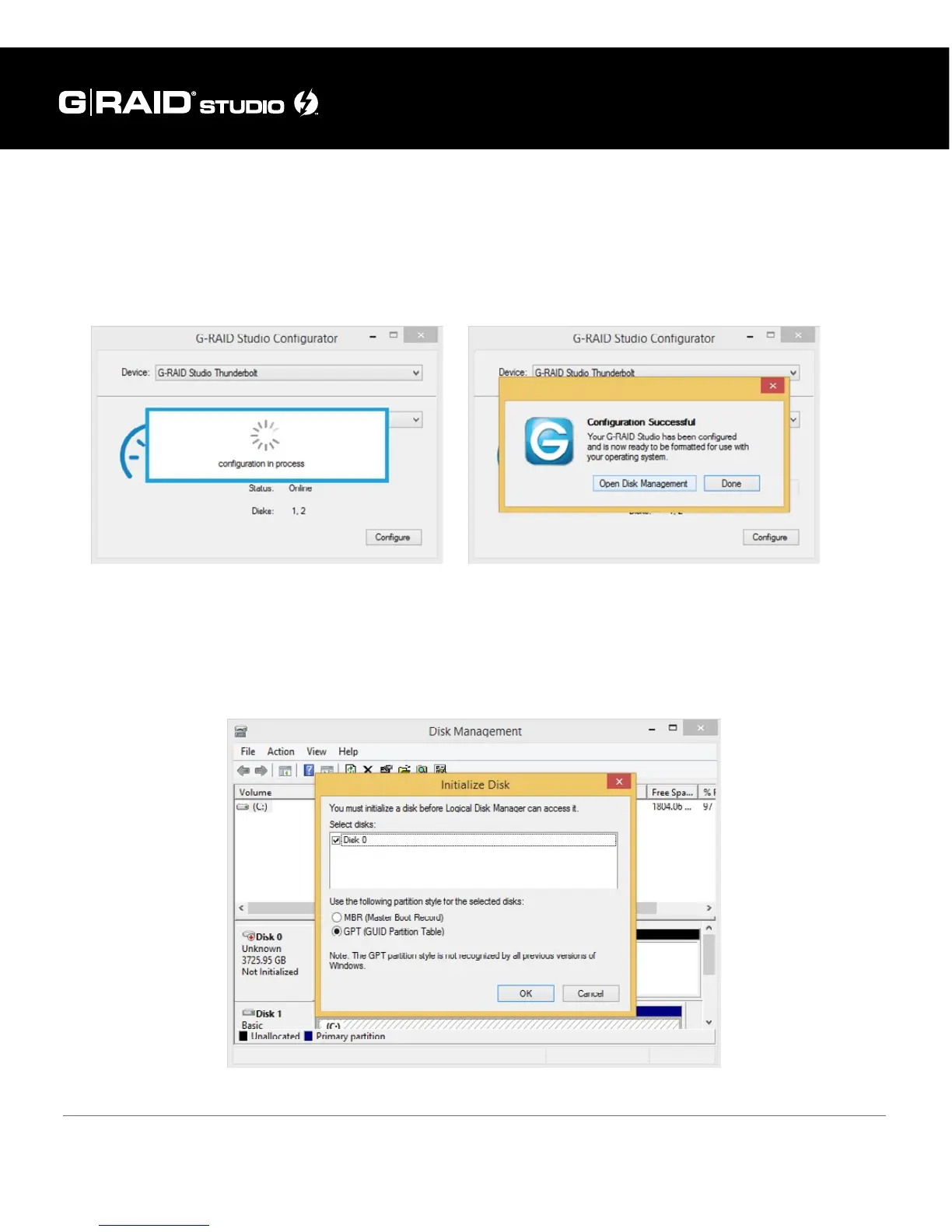
4. A new window will appear to inform you that conguration is in progress. The next
window will conrm that your G-RAID Studio is congured in RAID 0, RAID 1, or
JBOD mode.
5. Changing the RAID mode of G-RAID will require you to re-initialize the disk. For
helpful information on initialization of your drive with Windows using the Disk
Management, please visit g-technology.com/windows.


 To Next Page