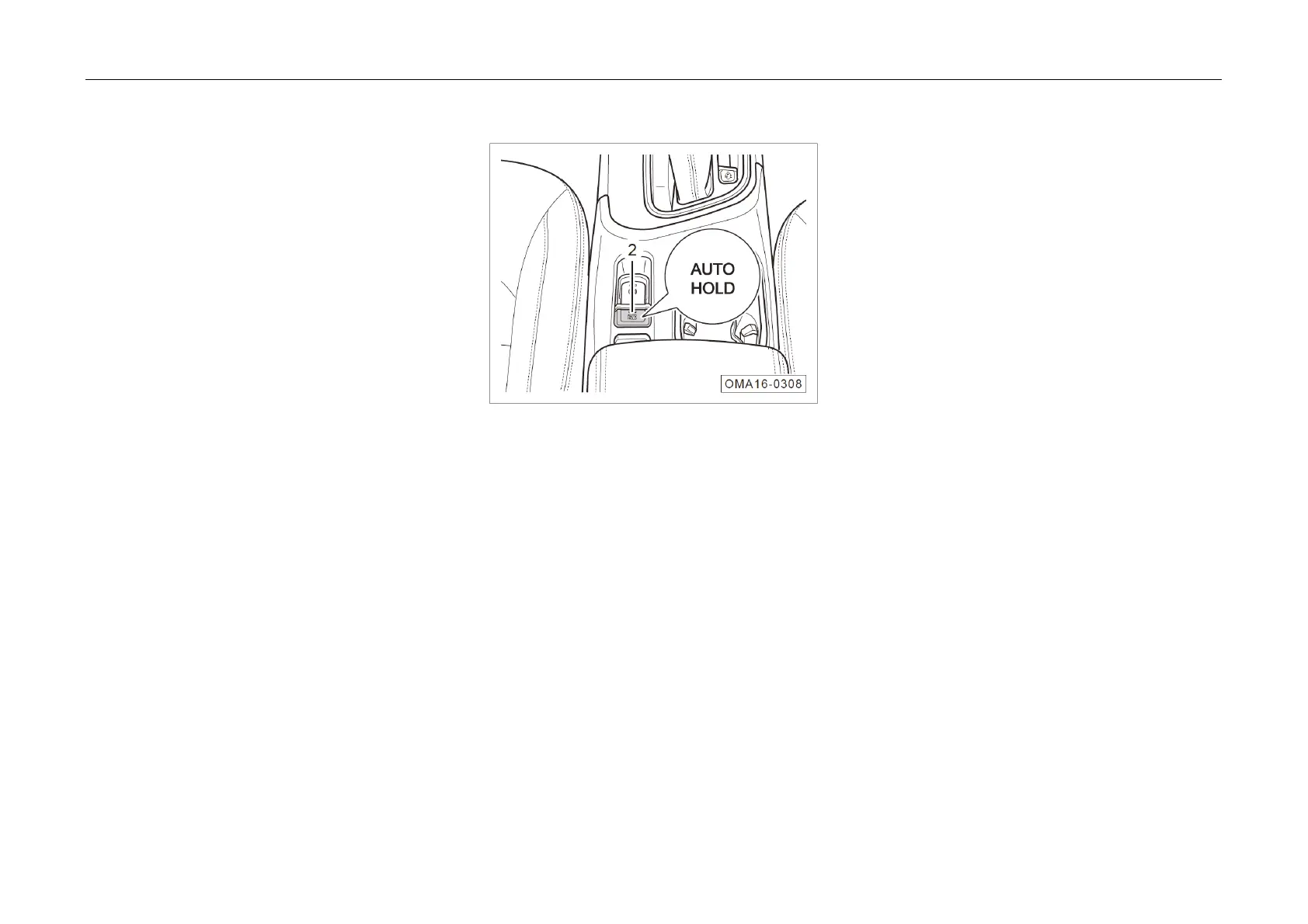
5. Driving Guide
AUTO H
OLD
AUTO HOLD will keep the vehicle static
automatically according to the driver's braking
needs; the braking will be released automatically
when the driver is tested to have intention of
starting by the system (e.g., depressing the
accelerator pedal); it may ensure the convenience
of vehicle starting under auto release condition
based on the ramp information and make the
vehicle static by supercharging actively when the
braking force is insufficient.
On and Off
– When the engine is running and the driver’s
safety belt is fastened, press the AUTO
HOLD button ② to enable the function, and
then the indicator light is on. Press again to
disable AUTO HOLD function, and then the
indicator light is off.
Activation
If
the function is enabled, when the driver
stops the car by using brake, the car will be parked
automatically to avoid the sliding at starting.
Deactivation
The AUTO HOLD function will be deactivated
and the parking brake will not be locked in following
conditions:
1. The accelerator pedal is depressed at
starting.
2. The
engine is shut down during driving.
3. The EPB is released manually.
4. The AUTO HOLD switch button is pressed
when stepping on the brake.



 To Next Page