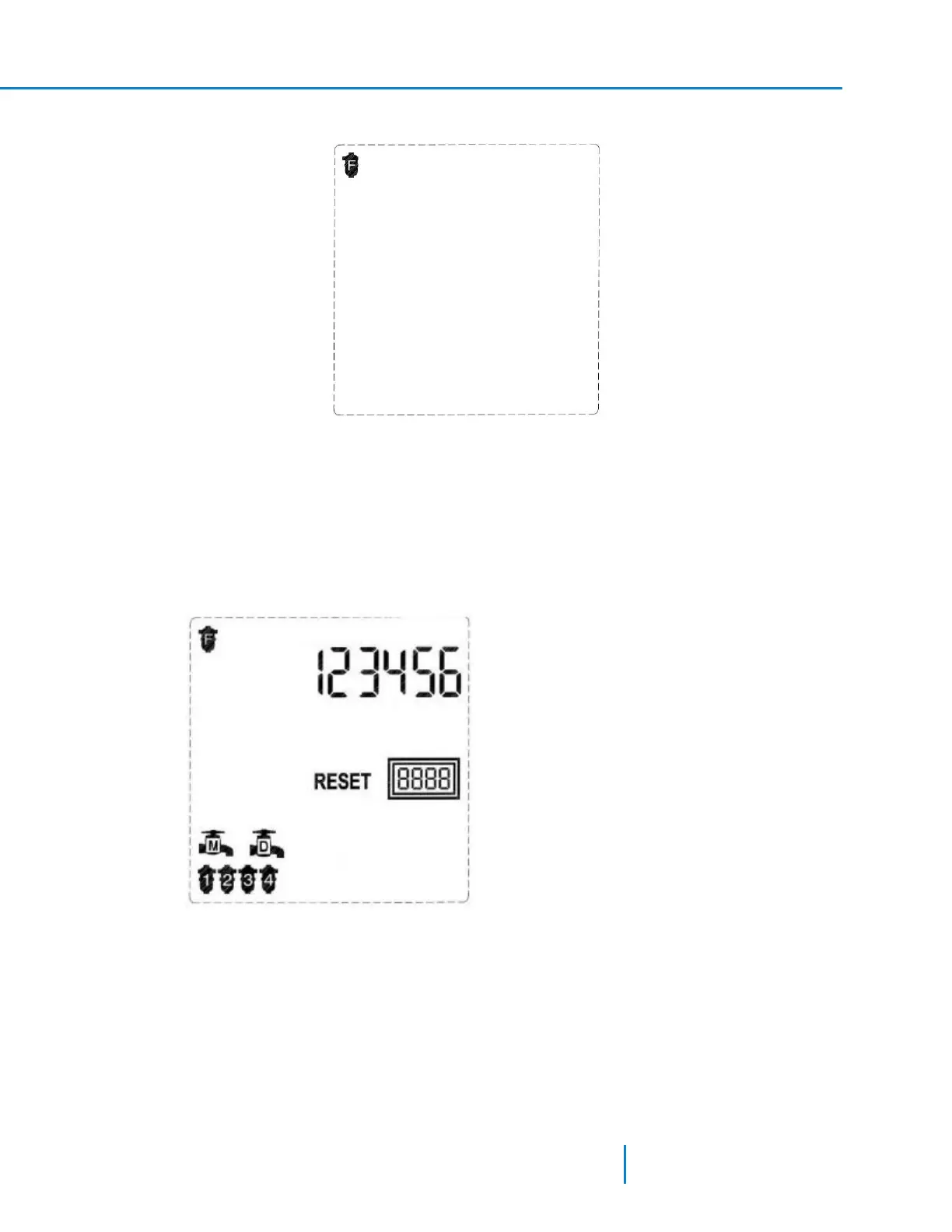
1. Enter into Techniciam mode. The following screen appears.
I
II
III
IV
V
VI
High Flow
Batteries
The screen displays the current configuration: Program I.
2. Press the Plus or Minus keys to select the filter type.
3. Press the Forward or the Backward keys to move to the next or previous screen accordingly.
Program III cannot be configured for 12-solenoid controllers.
Resetting the flush counter:
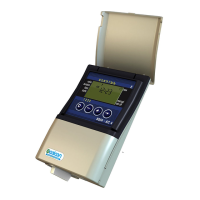
1. When in the first screen of the Technician Mode, press the Forward key to move to the second
screen. The following screen appears.
The screen displays the current controller configuration: Program I, 4 filters, main valve, and delay
valve. The controller also displays the RESET icon and the current counter of the flush cycles
performed.
2. Press and hold the Manual key for 5 seconds to reset the flush counter.
3. Press the Forward or the Backward keys to move to the next or previous screen accordingly.
31 AMCFlushing Controller User Guide
Configuring the Controller



 To Next Page