Page 29 of 35
10.0 MODULE SYSTEM CONFIGURATION
Configuration of the Flex 4 and Flex 8 Control Panels is easily accomplished by DIP Switch and Jumper Settings.
For DIP Switches, 0 = switch “off”, 1 = Switch “on’).
On the Main Fire Alarm Board ...
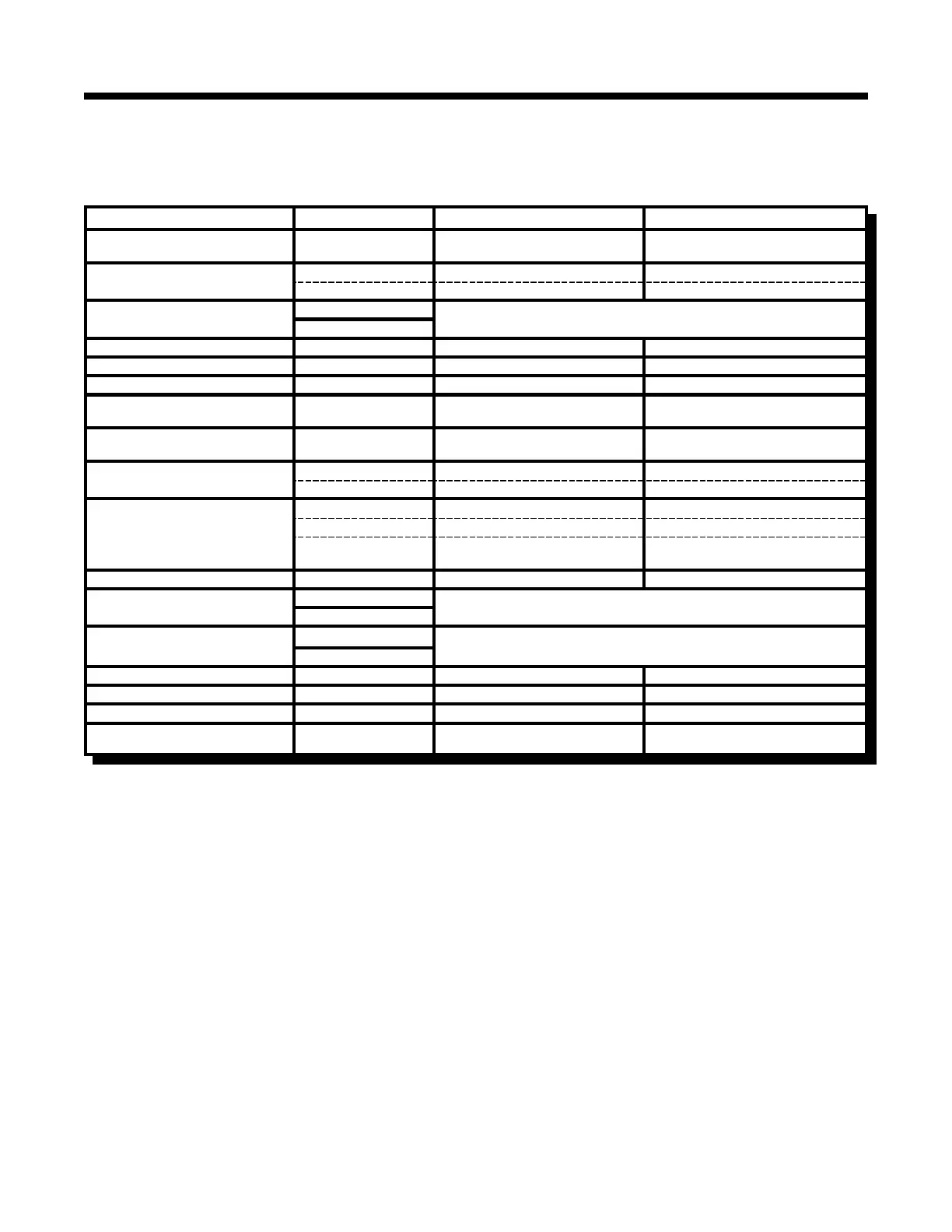
Function DIP Switch Switch “Off” Switch “On”
Indicating Circuit #1
Audible Device (Bell) Only
Switch 13, #1 Silenceable Non-Silenceable
Indicating Circuit #2
Audible or Visual Device
Switch 13, #2 Silenceable Non-Silenceable
Switch 13, #3 Audible Device (Bell/Horn) Visual Device (Strobe)
# Remote Annunciators
Switch 13, #4
5 off, 4 off = None 5 off, 4 on = One
5 on, 4 off = Two 5 on, 4 on = Three
Switch 13, #5
Manual Signal Silence Switch 13, #6 Disabled Enabled
Fire Drill Switch 13, #7 Disabled Enabled
Auxiliary Disconnect Switch 13, #8 Disabled Enabled
Initiating Circuit #1
Alarm Only
Switch 11, #1 Normal Alarm Verified Alarm
Initiating Circuit #2
Alarm Only
Switch 11, #2 Normal Alarm Verified Alarm
Initiating Circuit #3
Alarm or Waterflow
Switch 11, #3 Normal Verified Alarm / Retarded Waterflow
Switch 11, #4 Alarm Waterflow
Initiating Circuit #4
Alarm or Supervisory
Switch 11, #5 Normal Verified Alarm (no effect on Supv.)
Switch 11, #6 Alarm Supervisory
Switch 11, #7
Non-Latching Supervisory
(No effect on Alarm)
Latching Supervisory
(No effect on Alarm)
Not Used Switch 11, #8 ----------------- -----------------
Signal Code
Switch 9, #1
2 off, 1 off = Temporal Code 2 off, 1 on = Continuous
2 on, 1 off = March Time 2 on, 1 on = California Code
Switch 9, #2
Auto Signal Silence
Switch 9, #3
4 off, 3 off = Disabled 4 off, 3 on = 5 Minutes
4 on, 3 off = 10 Minutes 4 on, 3 on = 20 Minutes
Switch 9, #4
Signal Silence Inhibit Switch 9, #5 None 1 Minute
Initiating Circuit Style / Class Switch 9, #6 Class B (Style B) Class A (Style D)
Auxiliary Devices Switch 9, #7 Non-Silenceable Silenceable
AC Power Fail Delay to
Aux. Devices
Switch 9, #8
24 Hour Standby
Standard
60 Hour Standby
Standard
Notes:
& AFTER ANY CONFIGURATION SWITCHES ARE CHANGED, IT IS NECESSARY TO PERFORM A SYSTEM RESET !!
& Only Indicating Circuit 2 may be configured for Visual Devices.
& If Initiating Circuit 3 is configured as Waterflow, the corresponding Verified selection becomes a Retard
selection.
Note: Do not use Retard Operation with any external Retarding device; maximum Retard may not exceed 120
seconds.
& If Initiating Circuit 4 is configured as Alarm, the corresponding Latching selection has no effect.
& If Initiating Circuit 4 is configured as Supervisory, the corresponding Verified selection has no effect.
& The selection of Class A/B (Style Z/Y) Indicating Circuits is only a matter of how they are wired. No Programming
is necessary See Connection Information (Figures 9 & 10).
& If Class A (Style D) Initiating Circuits are selected, the appropriate Board Jumpers must also be set.
Class B Initiating Circuits 1 & 2 combine to create Class A Circuit #1, and Class B Initiating Circuits 3 & 4
combine to create Class A Circuit #2.
In Class A operation, the DIP Switches for Circuits 3 & 4 are ignored except for an Flex 4 with a CEM Circuit
Expander Module. LED Indicators for Circuits 3 & 4 are non-functional except for an Flex 4 with a CEM Circuit
Expander Module.
Technical Manuals Online! - http://www.tech-man.com



 To Next Page