GTLE Operating Manual Version 1.2 Page 17 of 35
11. Information about charging
The GTLE platform stairlift is powered exclusively by the batteries in the carriage. The batteries
are automatically charged after the stairlift is parked at a stopping point. DC voltage must
always be present at the charging points to ensure that the batteries are charged. The batteries
used are maintenance-free and overcharging is not possible.
11.1. Disconnecting the stairlift from the mains supply
To ensure long term operation of the stairlift, it is recommended that the main switch is
switched off if the power or charge is interrupted for a long period (more than 24 hours) and
the lift is disconnected from the charge.
However, the general recommendation is to always leave the lift connected to
the charger, as this ensures optimal charging and a long battery life.
11.2. Automatic switch-off
The GTLE platform stairlift is equipped with charge monitoring as standard. If the control unit
does not detect a charge for 24 hours, the platform stairlift switches off automatically. This is
indicated by a message on the display and a signal tone. Automatic shutdown of the system
is required to avoid deep discharge of the batteries. Causes for a lack of charging current can
be the following:
a. Stairlift is not in the charging station
b. Prolonged interruption of the power supply to the charger
c. Faulty charging circuit
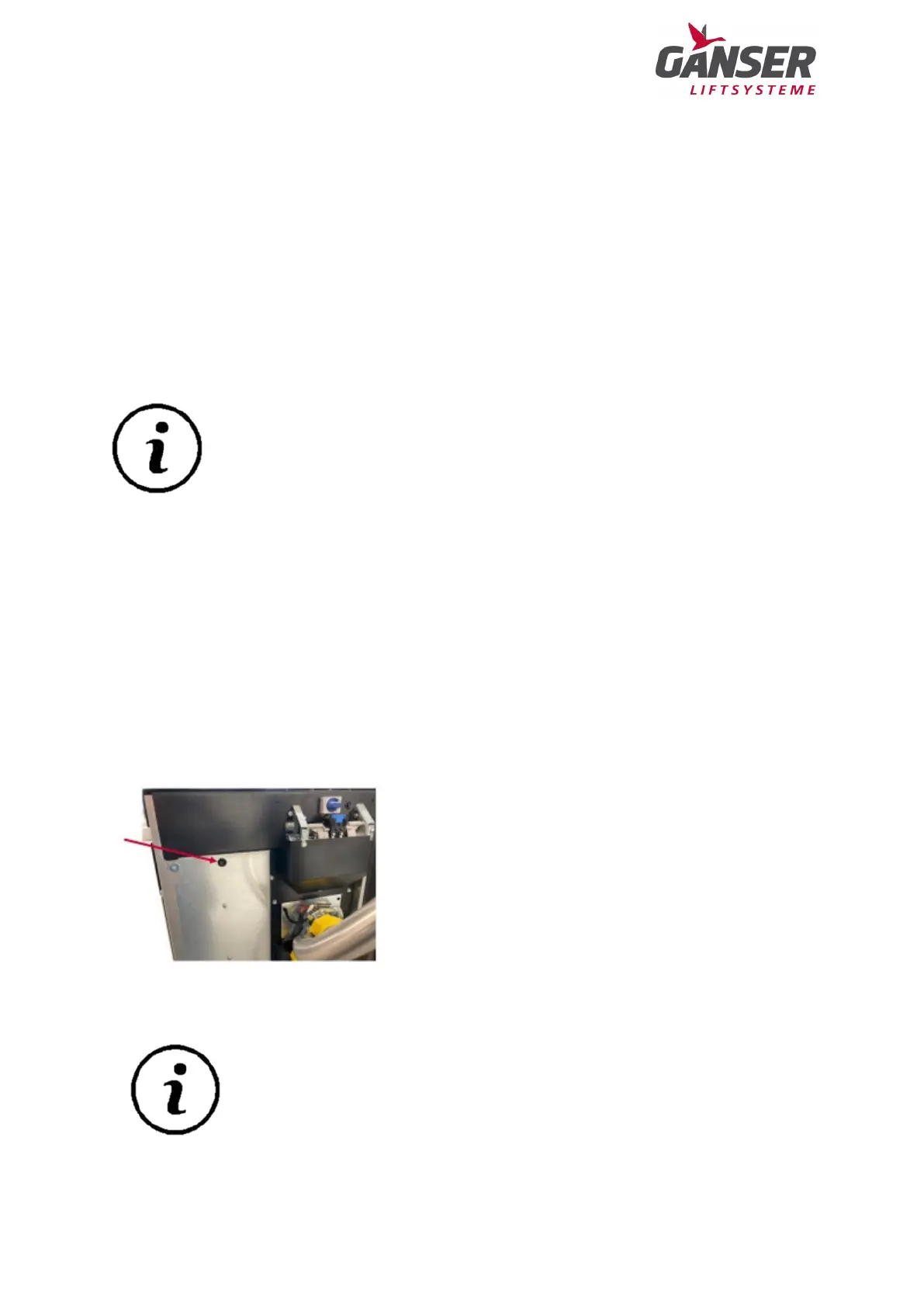
To reactivate the stairlift, press the reset button, located
on the rear right hand side of the lift.
If there is a charge, the lift will also start up
automatically.
Check that the stairlift is charging by looking at the LED light on the charger
to avoid the stairlift switching off automatically again.
8: Reset button


 To Next Page