13
POWER ON
Press the power button.
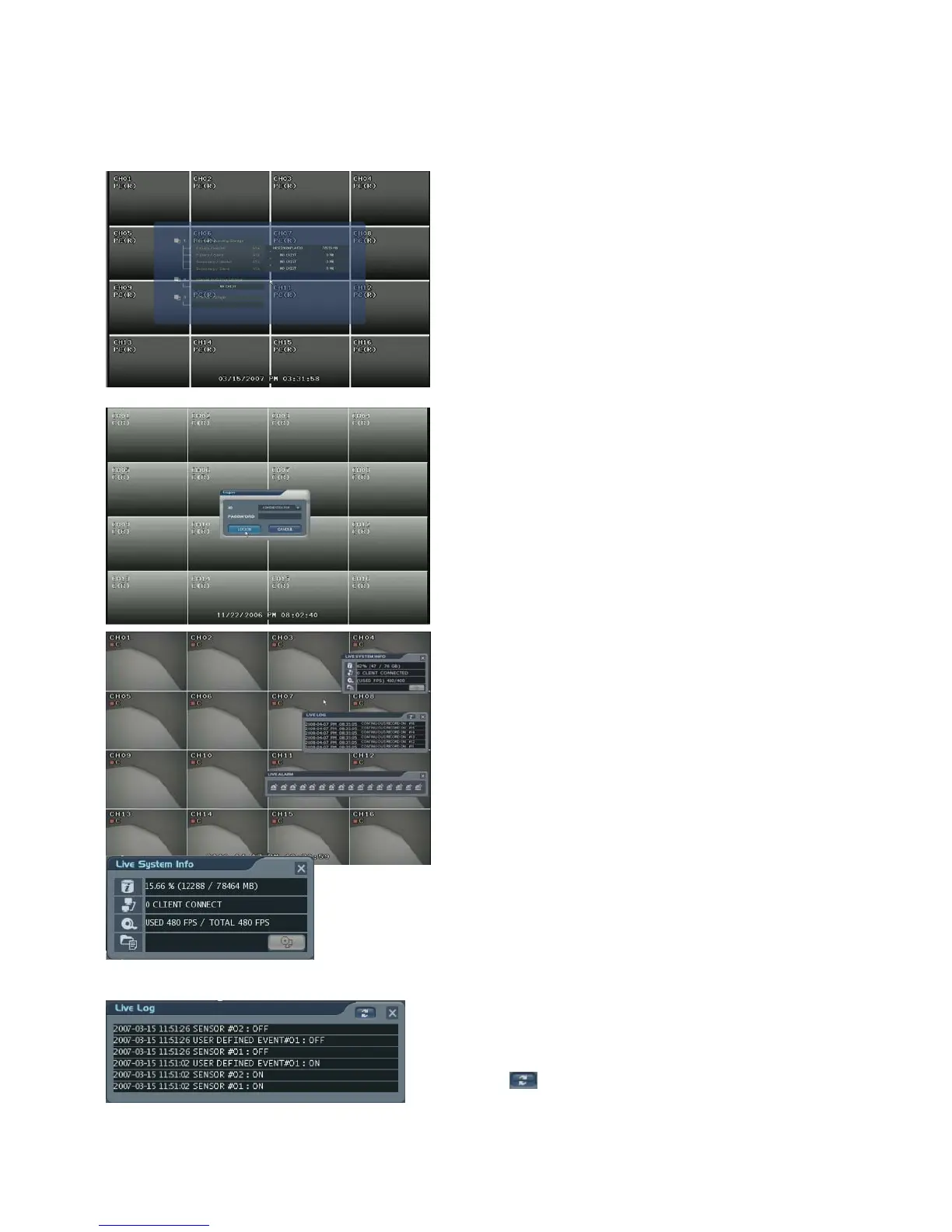
The DVR startup screen detects and checks
the HDD and DVD-RW.
After startup process is completed, “logon”
display appears for inputting the Password.
(Default password is just leaving is as empty
column. Next, click the “Logon” button.)
The DVR starts the normal operation and it shows
default display of all 16channels.
Three pop-up displays would show current system
information, live log and live alarm situation.
C: Continuous Record
M: Motion Record
A: Alarm Record
P: Panic Record
Live System Info
1) Shows percentage of HDD used.
2) User Connection Information
3) Current recording frame information
4) The Backup situation
Live log
It shows the live log.
: Live log can be removed by pressing this
button.



 To Next Page