65
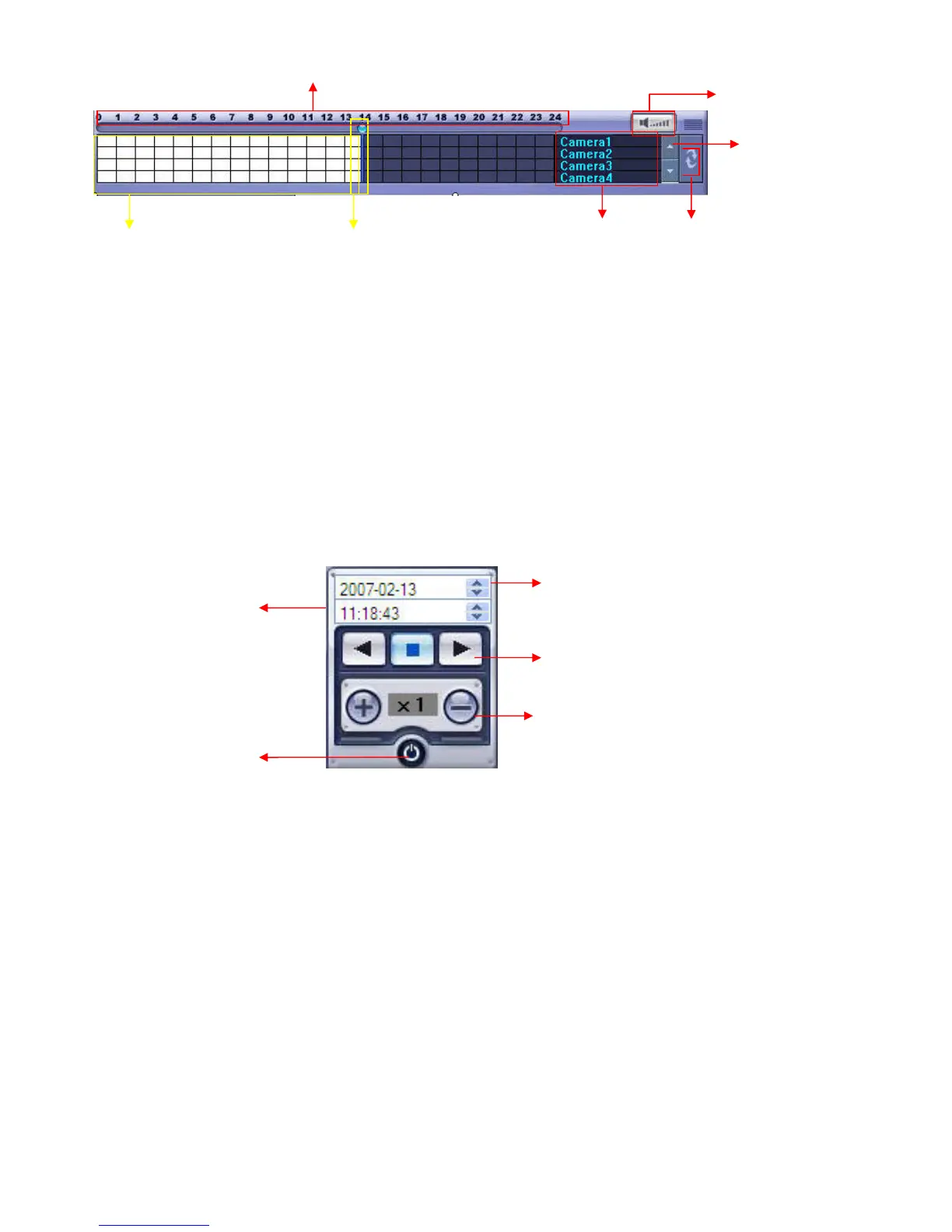
① Indicates the Time of Day (0 ~ 24 hours) on Search Timeline.
② Indicates Recording Mode (Blue: No Recording, Red: Recorded Images Present)
③ Search Bar: Drag bar with the mouse to search through recorded video on the timeline.
④ Indicates each individual channel on the timeline.
⑤ If there are 5 or more channels, you may scroll through the channels using the arrow buttons.
⑥ Adjust the volume of the audio playback (if audio is present in the recording).
⑦ Refresh Recording Information Window
Search Option
②
③
④
⑤
⑥
⑦
Select Date
Search Bar to move to
the select date/time
Playback Control Buttons
(Forward Play, Stop, Reverse Play)
Playback Speed Control
(1x ~ 64x, Forward or Backward)
Exit Remote Agent



 To Next Page