54
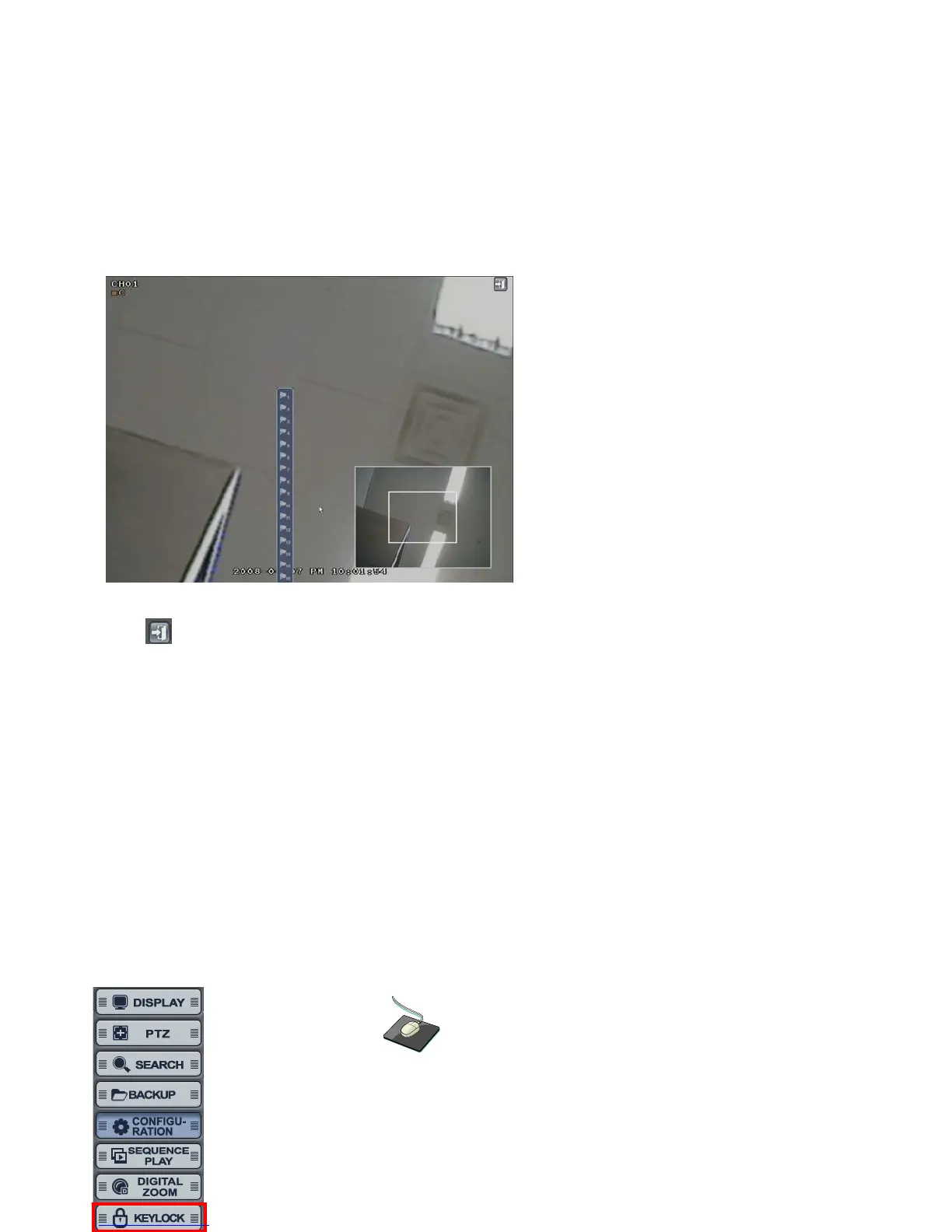
Click button for returning to live display.
Click the mouse right button for changing the channel. Then, it would show the channel list.
Select the channel which is required to be changed.
Location can be controlled by dragging the mouse and Zoom in/out can be controlled by mouse wheel.
KEYLOCK
Click the right mouse button on the Live Display screen and click the
“KEYLOCK”.



 To Next Page