55
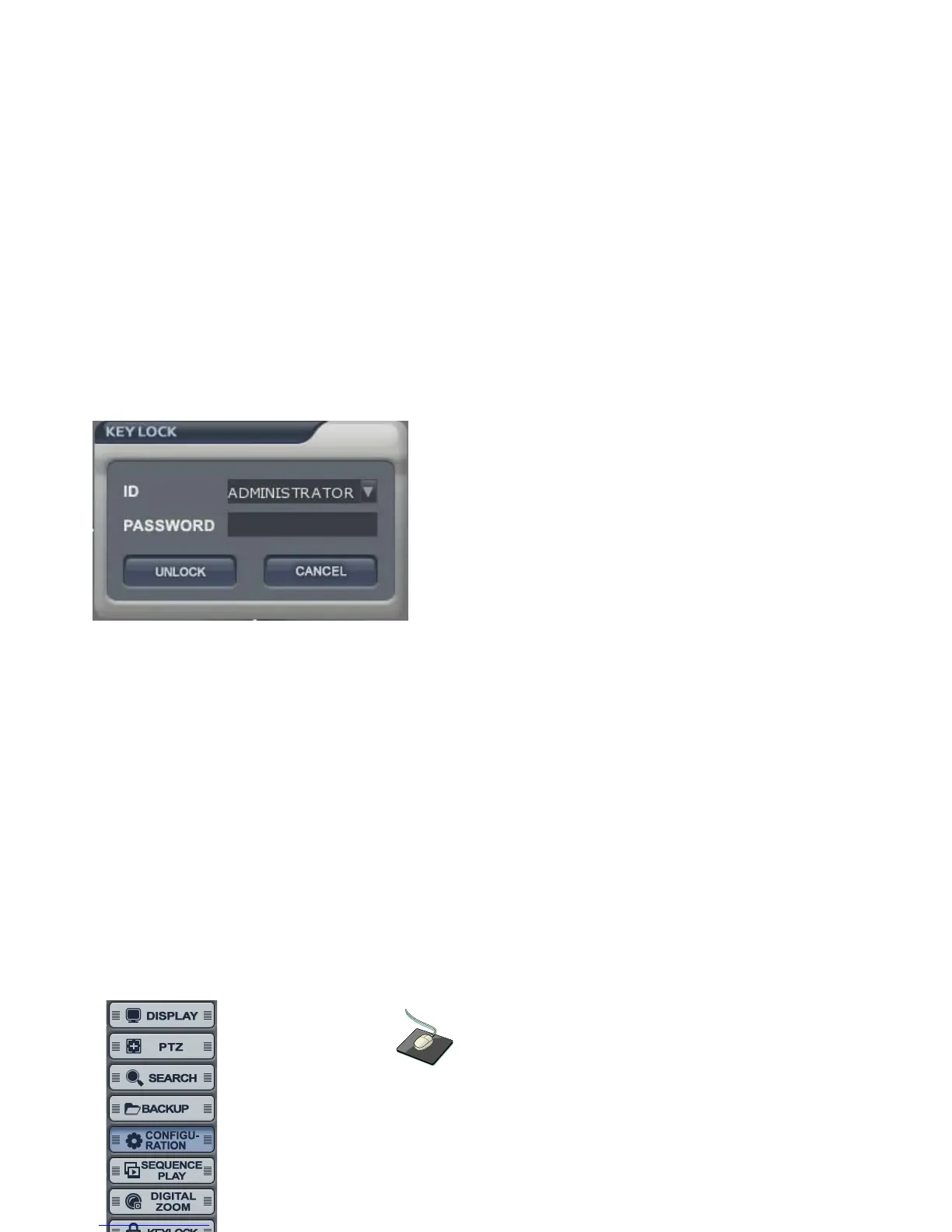
Select the “Keylock” by menu or press “Lock” button from Remote controller or Front panel, then the system is
locked.
If any button is pressed under keylock condition, below would appeared.
- Input the Password. Then, system is unlocked.
PANIC
Click the right mouse button on the Live Display screen and click the
“PANIC START/STOP”.



 To Next Page