53
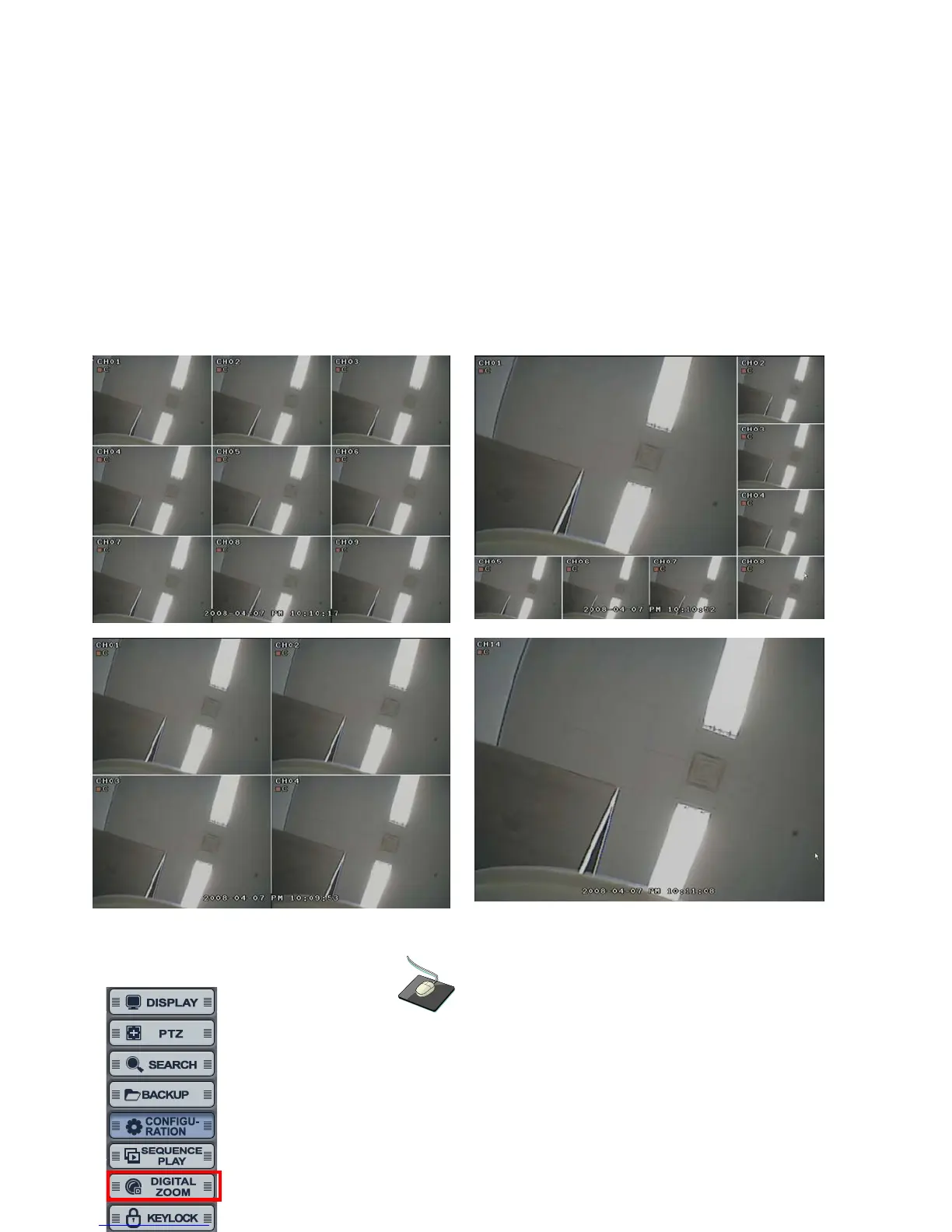
• Select the “SEQUENCE PLAY” icon and press the “SEQ” button.
Then, it shows sequence display which is installed. (Sequence Play/Stop).
It is related with “Display -> Main Display Sequence.
Please setup the Main Display Sequence firstly.
DIGITAL ZOOM
Click the right mouse button on the Live Display screen and click the
“DIGITIAL ZOOM”.



 To Next Page