52
In case of recording setup, the operator should setup as 4 divided parts.
The default setup is CIF, 30FPS.
Setup method is same with normal record setup.
The operator can setup Max.CIF, 120FPS each divided part.
- Select the Resolution.
- Select the Frame Rate
- Select the Quality. (Low, standard, high, highest)
- The operator can setup other divided part as same method.
- In case of Audio setup, it is assigned at Nr.1, 2, 3, 4 Channel basically.
(It cannot be changed)
- Recording setup Load. Save and Delete
The operator can make the various recording setup in DVR. These include all setup from
Parameter and Schedule.
Load Template: Load the recording setup that are already made.
Save as Template: Save the current recording setup.
Delete Template: Delete the recording setup from list.
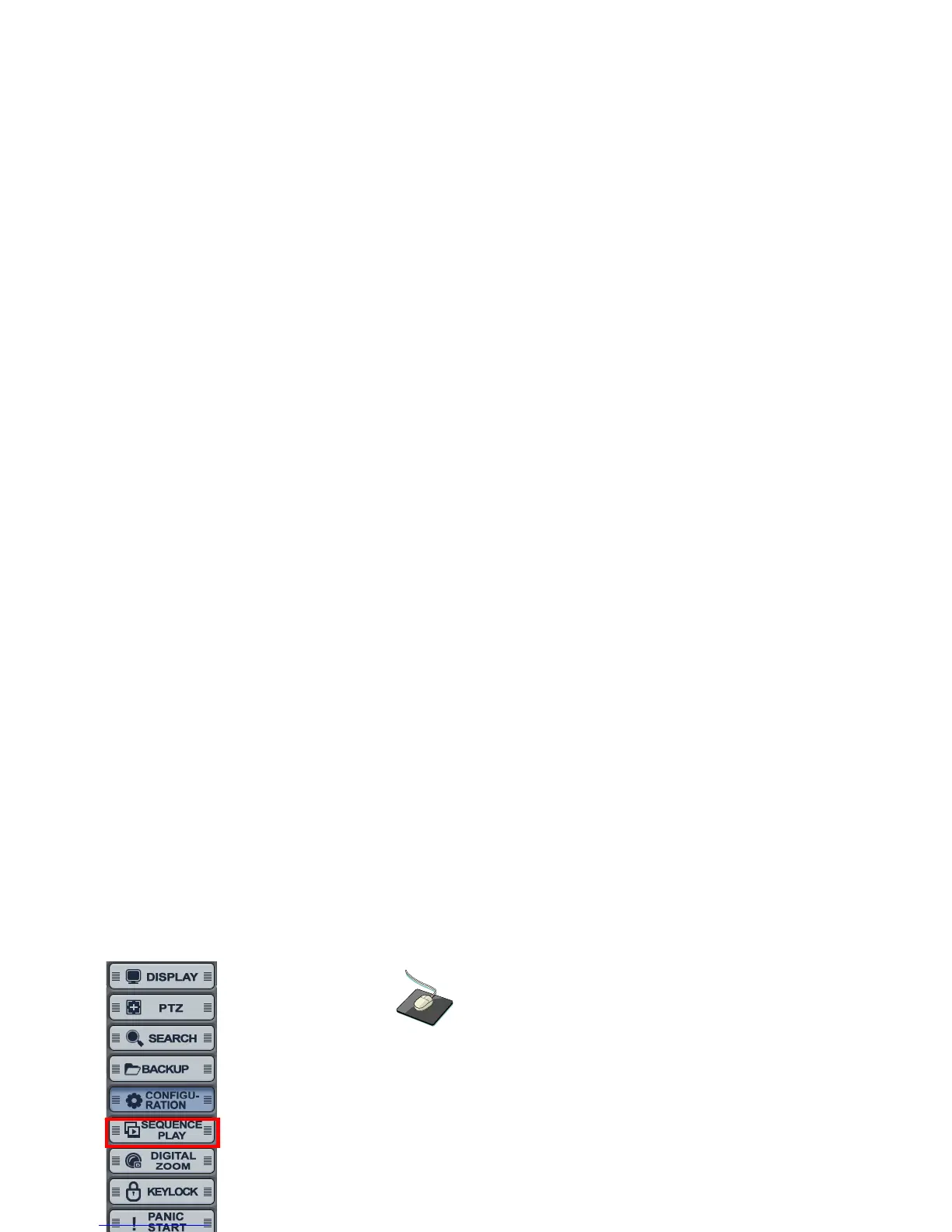
SEQUENCE
Click the right mouse button on the Live Display screen and click the
“SEQUENCE PLAY” and “SEQUENCE STOP”.



 To Next Page