64
Search Function Introduction
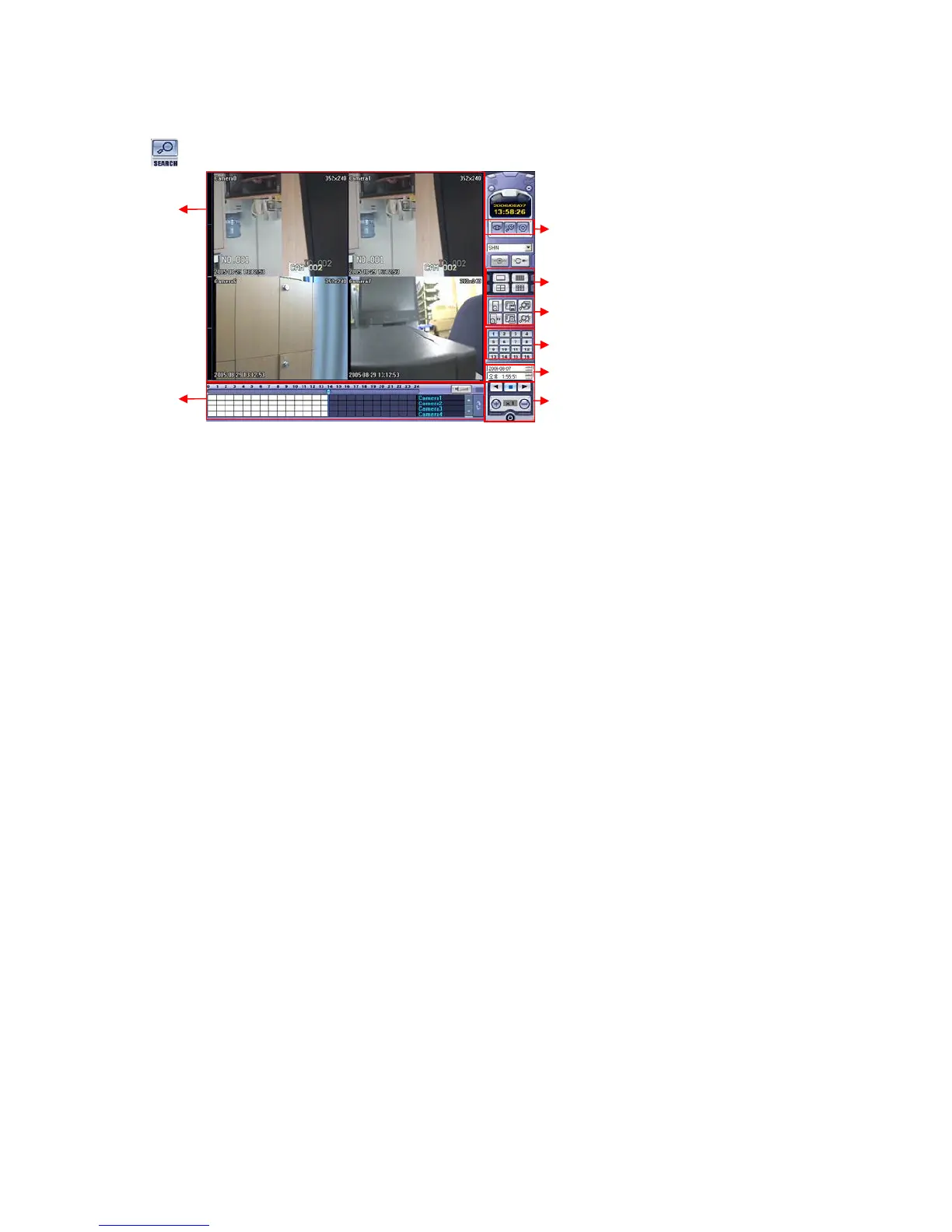
① Search Screen to play the Selected Video
② Search Bar: Search & Indicate Camera Recording Situation by Time Bar .
③ LIVE: Return to Watch Mode.
SETUP: Open Setup to Change Network Setup or Option.
④ Screen Division Selection: Change the playing Screen Division Mode .
⑤ Search: Option Backup Video or Search Event.
⑥ Camera Selection Button: Select Camera at 1*1 View .
⑦ Quick Search: Find Image by designating Date & Time.
⑧ Search Controller : Control Playing Video.
Search Method



 To Next Page