63
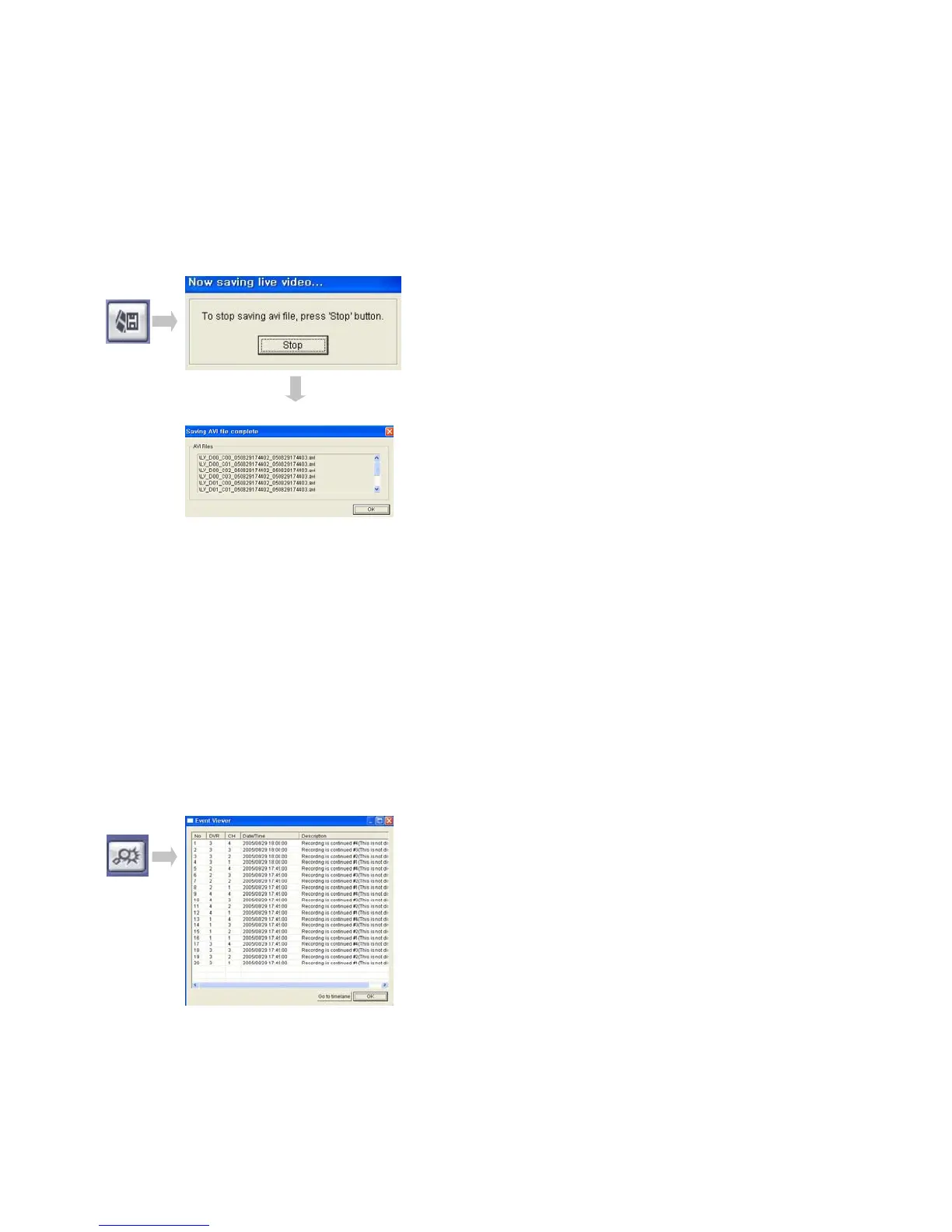
• Click AVI Conversion Button to start AVI File Conversion.
• A message would be shown during AVI Conversion, then click “Stop” to save the
AVI File continuously.
• ‘Press ‘Stop’ to Open Designate File Name & Saving Location, and Save AVI File.
• Saved AVI File could Open Ordinary Moving Picture Player or Backup Player.
• Moving Picture Player Codec Version Need Higher than Divx 5.1 & IMM4 Codec.
Event Viewer
① Indicate Event Occurred Order No.
② Indicate Event Occurred DVR No.
③ Indicate Event Occurred Camera No.
④ Indicate Event Occurred Time & Date
⑤ Indicate Event Detail Description
⑥ After selecting Event, Move Search Bar in Search Mode
⑦ Return to Search Main to play the Selected Event Image
REMOTE SW SEARCH
① ② ③ ④
⑤
⑥
⑦



 To Next Page