28
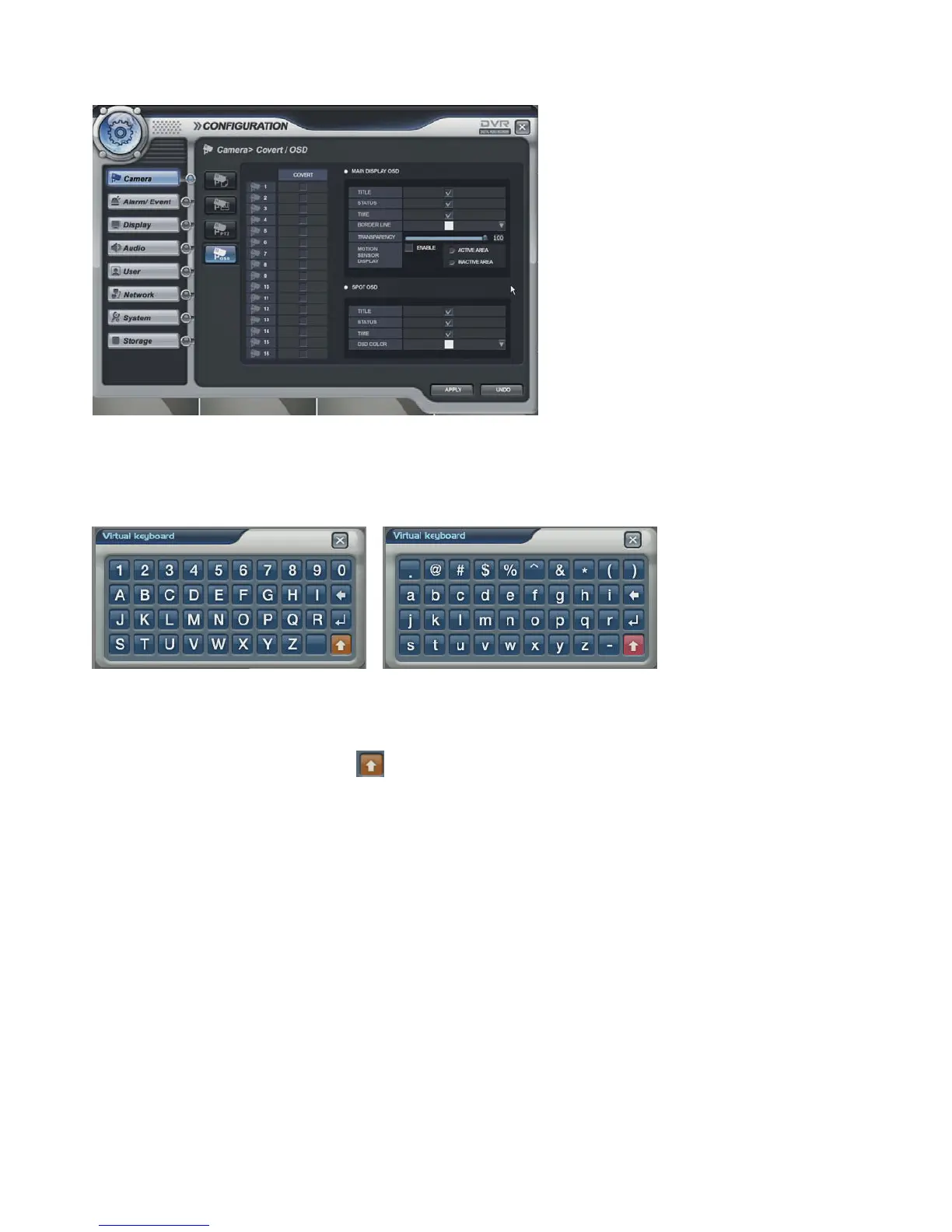
Camera -> OSD
• Select the COVERT for each channel, MAIN DISPLAY OSD, SPOT OSD setup
※ How to use the virtual keyboard
Double Click the left mouse button to enter data.
Then, the virtual keyboard would appear. Select each character from the virtual keyboard.
To use the small character, click the button.



 To Next Page