39
Default user group (administrator, manager, and user) cannot be deleted or edit.
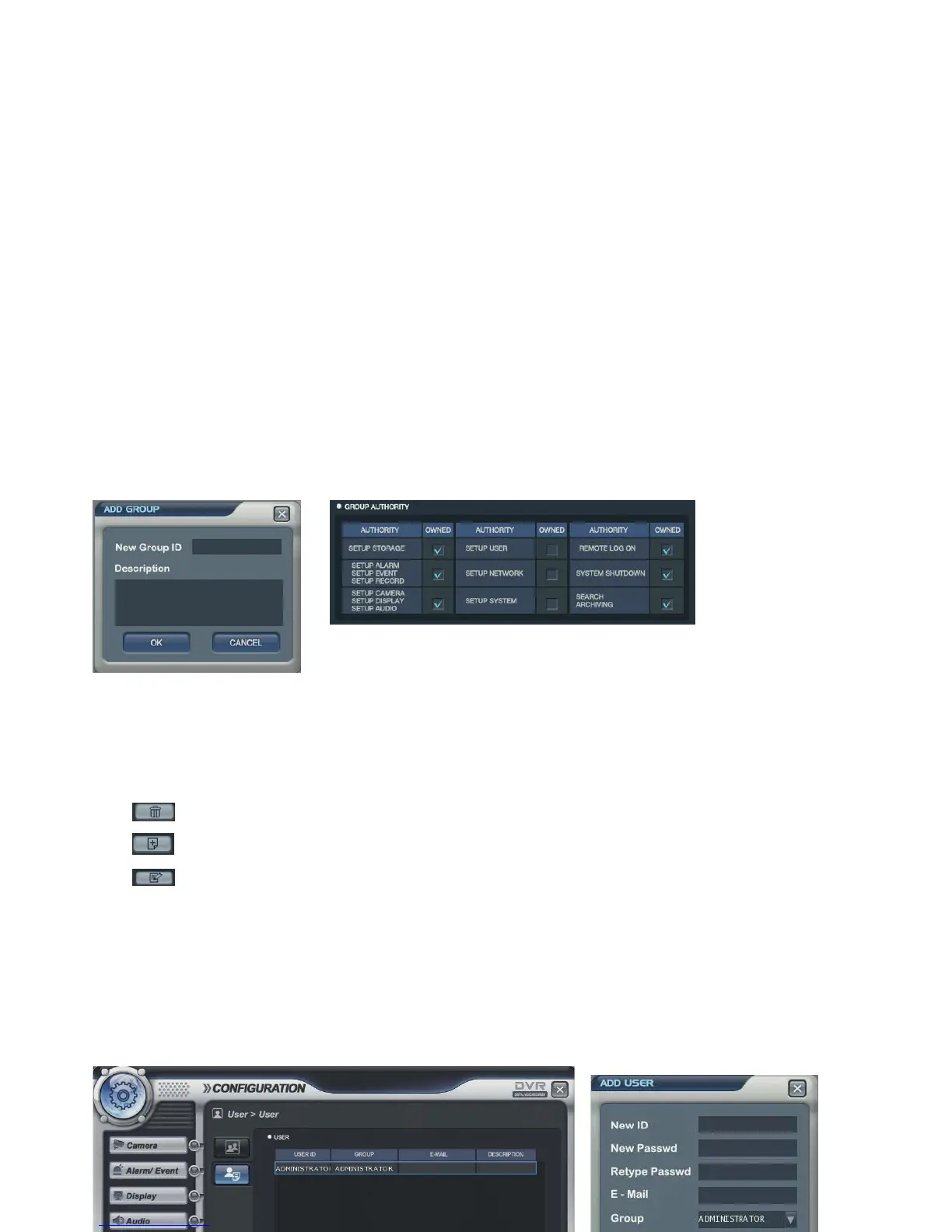
After selecting “ADD” button, the operator can make the new user group with new authority.
Select “ADD” button, and “add group” screen would be shown.
It shows the virtual keyboard. Then, double click mouse left button to input the text.
After inputting the new group ID and description, click the “ok” button.
Then select the User group ID. (It shows Blue Square).
Select the group authority and click “Apply” icon.
ADD button: Add new group.
DELETE button: Delete user group.
EDIT button: Edit user group.
User -> User



 To Next Page