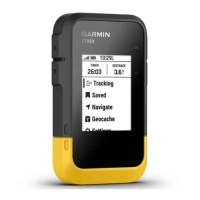
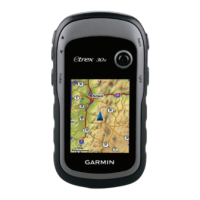
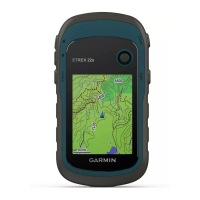
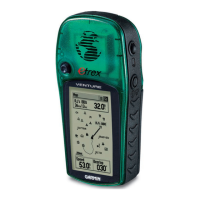
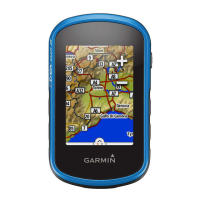
20 owner’s manual for use with models 10, 20, 30
Geocaches
EN
1. Select Setup > Geocaches >
Filter Setup > Create Filter.
2. Select items to lter.
3. Select an option:
• To apply the lter to the
geocache list, select Search.
• To save the lter, select
back.
After it is saved, the lter is
automatically named. You
can access the custom lter
from the geocaches list.
Editing a Custom Geocache
Filter
1. Select Setup > Geocaches >
Filter Setup.
2. Select a lter.
3. Select an item to edit.
Navigating to a Geocache
1. Select Geocaches.
2. Select a geocache.
3. Select Go.
4. Navigate using the map (page
14) or compass (page 15).
Logging the Attempt
After you have attempted to nd a
geocache, you can log your results.
1. Select Geocaches > menu >
Log Attempt.
2. Select Found, Did Not Find, or
Needs Repair.
3. Select an option:
• To begin navigation to a
geocache nearest you, select
Find Next Closest.
• To end the logging, select
Done.


 To Next Page