4 owner’s manual for use with models 10, 20, 30
Getting Started
EN
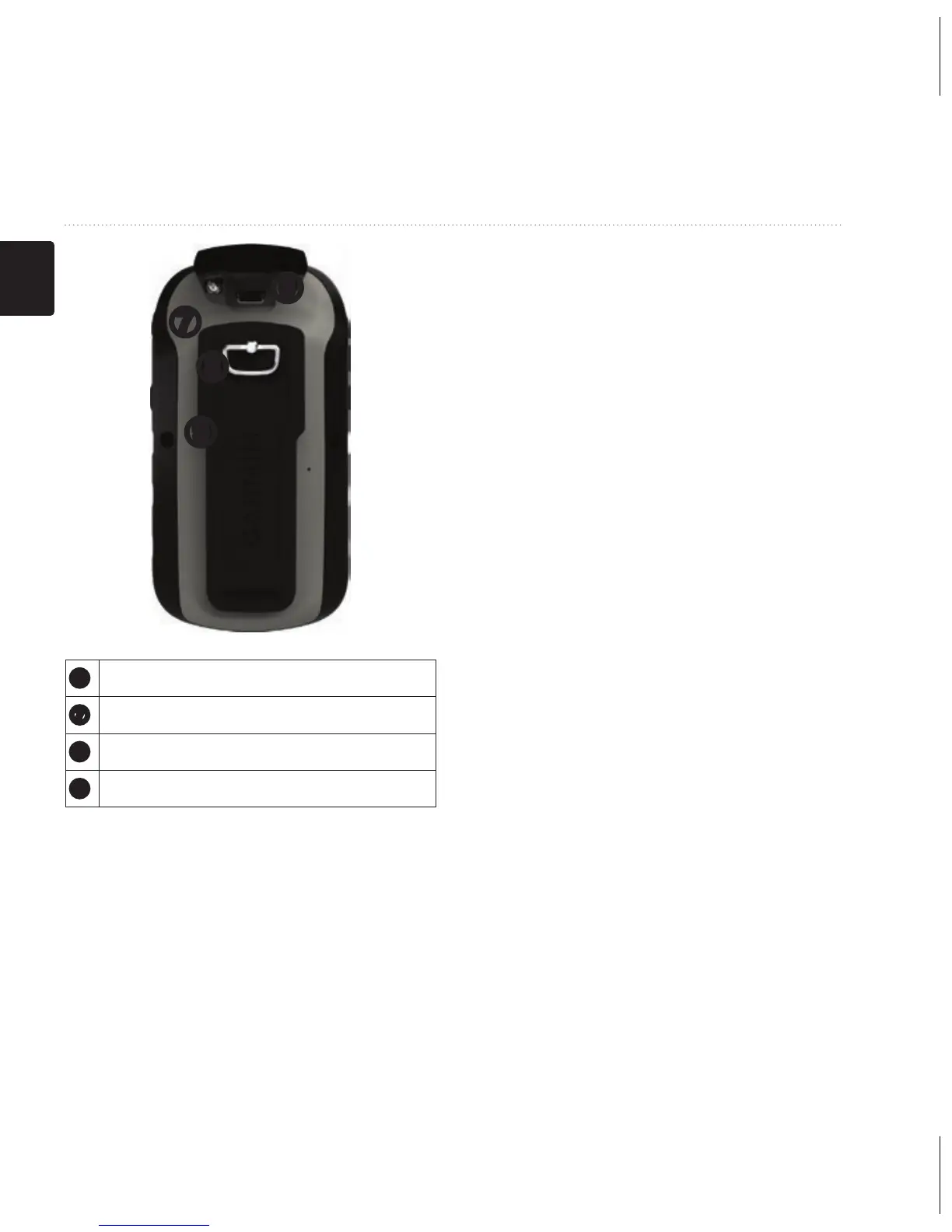
➏
➒
➑
➐
➏
Mini-USB port (under weather cap)
➐
Battery cover
➑
Battery cover locking ring
➒
Mounting spine
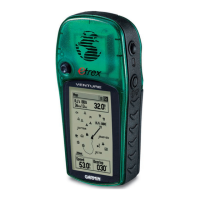
Using the eTrex Keys
• Move the Thumb Stick up,
down, left, and right to highlight
menu selections or to move
around the map.
• Press the center of the Thumb
Stick to select the highlighted
item.
• Press back to move back one
step in the menu structure.
• Press menu to display a list of
commonly-used functions for
the current page. Press menu
twice to access the main menu
from any page.
• Press ▲ and ▼ to zoom in and
out on the map.



 To Next Page