Forerunner 50 Owner’s Manual 5
GettInG Started
Using Accessories
If your Forerunner came with a
sensor (with ANT+Sport wireless
technology) in the box, the sensors
and the Forerunner are already
paired. If you purchased an
accessory separately, see page 26 for
pairing instructions.
For information about purchasing
additional accessories, go to
http://buy.garmin.com.
Using the Heart Rate
Monitor
The heart rate monitor is on standby
and ready to send data. Wear the
heart rate monitor directly on your
skin, just below your breastplate.
It should be snug enough to stay in
place during your run.
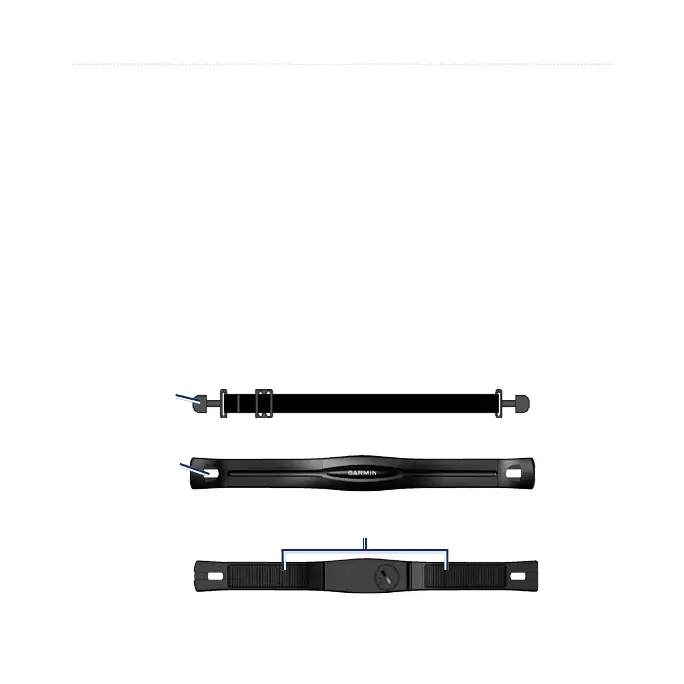
1. Push one tab on the strap
through the slot in the heart
rate monitor. Press the tab
down.
Heart Rate Monitor (Front)
Slot
Heart Rate Monitor (Back)
Sensors
Tab
Heart Rate Monitor Strap















 To Next Page