10 Forerunner 50 Owner’s Manual
tIme mode
tIme mode
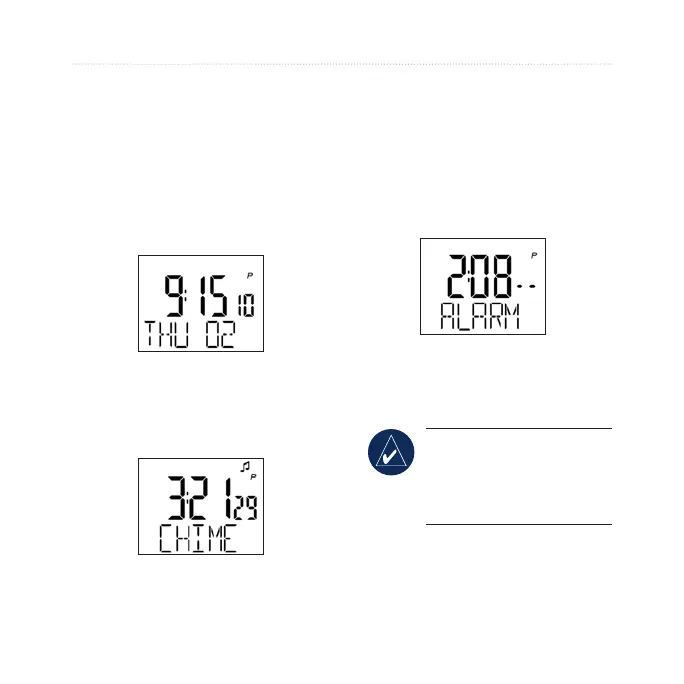
Time mode is the default view of
the Forerunner. After 30 minutes
of inactivity, the Forerunner
automatically returns to the Time
page. Otherwise, press mode until the
Time page appears.
Chimes
On the Time page, press and hold
view to toggle Chime mode.
Set the Time
See page 3.
Set the Alarm
1. On the Time page, press
start/stop. The Alarm page
appears.
2. Press and hold start/stop until
the hour setting blinks.
3. Use
+ and - to adjust the hour.
TIP: Press and hold + or
- to scroll quickly through
the hours, minutes, and
other Time mode settings.
4. Press view to advance to the
minutes setting.















 To Next Page