Forerunner 50 Owner’s Manual 19
Interval tImer mode
Interval tImer mode
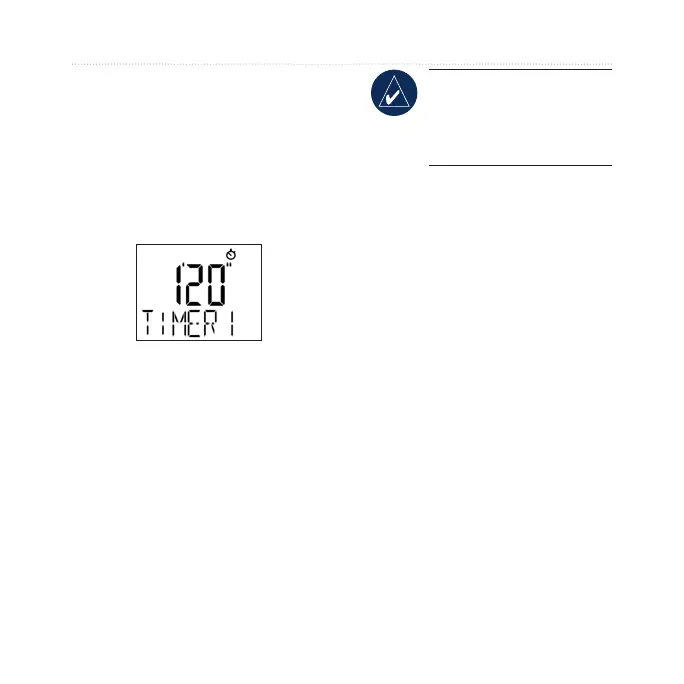
You can set two timers in Interval
Timer mode. Setting up a Forerunner
timer is very similar to setting the
time of day. Press mode until the
Timer page appears.
Setting the Timers
1. On the Timer page, press and
hold start/stop until the hour
setting blinks.
2. Use
+ and - to adjust the hour.
TIP: Press and hold + or
- to scroll quickly through
the hours, minutes, and
seconds.
3. Press view to advance to the
next setting.
4. Repeat this process for
minutes and seconds.
Whennished,pressview
to advance to the REPEAT
setting (see page 20).
5. Press
+ and - to turn on or off
the repeat function.
6. Press
view to advance to
TIMER 2 settings.















 To Next Page