22 Forerunner 50 Owner’s Manual
HIStory mode
4. Press view from any of these
pages to view the next level
of history data. Press + or - to
viewtheavailabledatapages:
Average lap time
Average lap speed
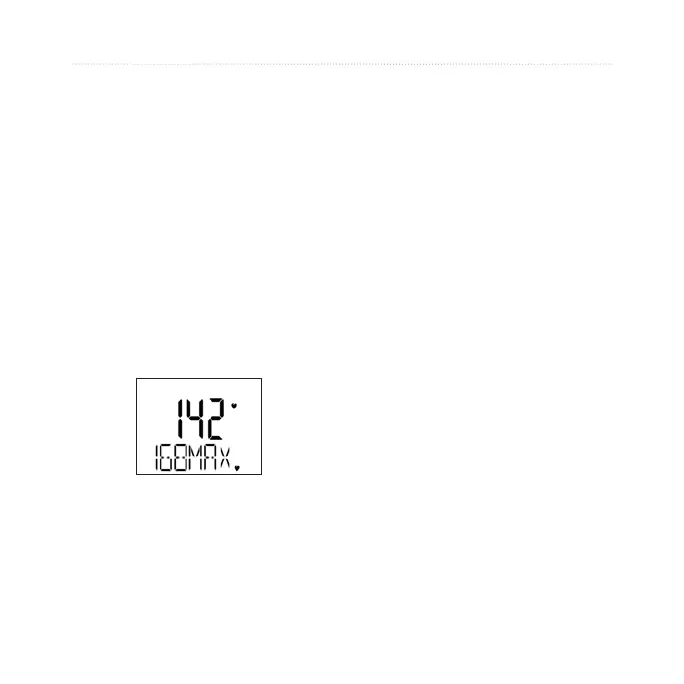
Average heart rate
5. Press
view from any of these
pages to view the next level of
historydata:detailsforeach
lap in your workout. Press +
or - to view the available data
pages.
•
•
•
Managing Memory
Your Forerunner holds up to 100 laps
and up to seven hours of exercise
les. When there is approximately
one hour of memory remaining, the
Lo MEM warning appears on the
Forerunner screen in Train mode.
When the memory is full, the Full
MEM warning appears, and your
Forerunner stops recording data.
For information about uploading data
to your computer, see page 24.















 To Next Page