20 Forerunner 50 Owner’s Manual
Interval tImer mode
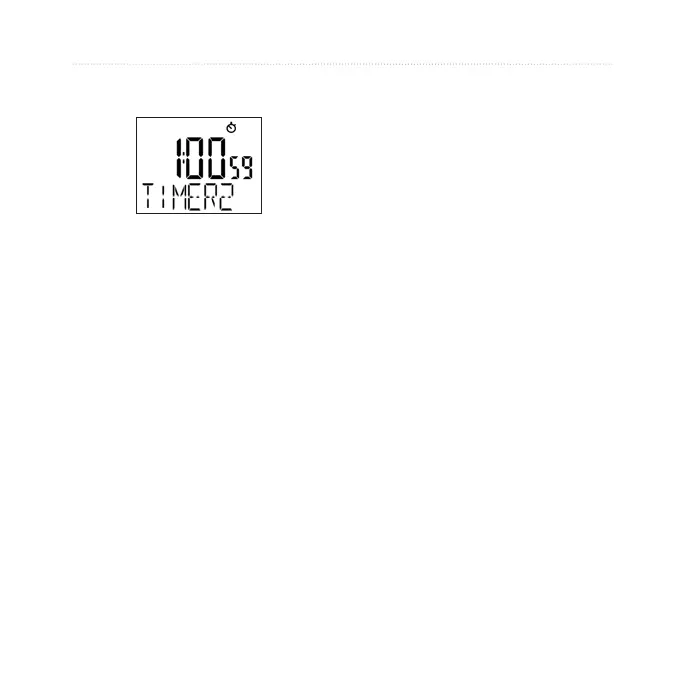
7. Press + and - to turn on or off
the TIMER 2 function.
8. Repeat steps 2–4 to set
TIMER 2.Whennished,
press mode to resume Timer
mode.
Starting the Timers
1. Press view to choose TIMER
1 or TIMER 2.
2. Press
start. The timer counts
down and beeps when
nished.
Stopping and Resetting
the Timers
1. Press stop at any time to
pause the timer.
2. Press and hold
lap/reset to
reset the timer.
Using Timer Repeat
Set the timer to REPEAT to
automatically restart the timer after
it beeps. If both TIMER 1 and
TIMER 2 are active, the repeat
function runs TIMER 1 > TIMER
2 > TIMER 1 > TIMER 2 , and so
forth until you press stop.















 To Next Page