Forerunner 50 Owner’s Manual 29
appendIx
3. Remove the cover and
replace the battery with the
positive side facing up.
NOTE: Be careful not to
damage or lose the O-ring
gasket on the cover.
4. Use a coin to twist the cover
clockwise so the arrow on the
cover points to CLOSE.
Foot Pod Battery
When the foot pod battery is low, the
LED blinks six times upon activation
(instead of three). Approximately
ve hours of battery life remain.
Also, the Lo BATT warning appears
in Train mode when a workout starts
or stops.
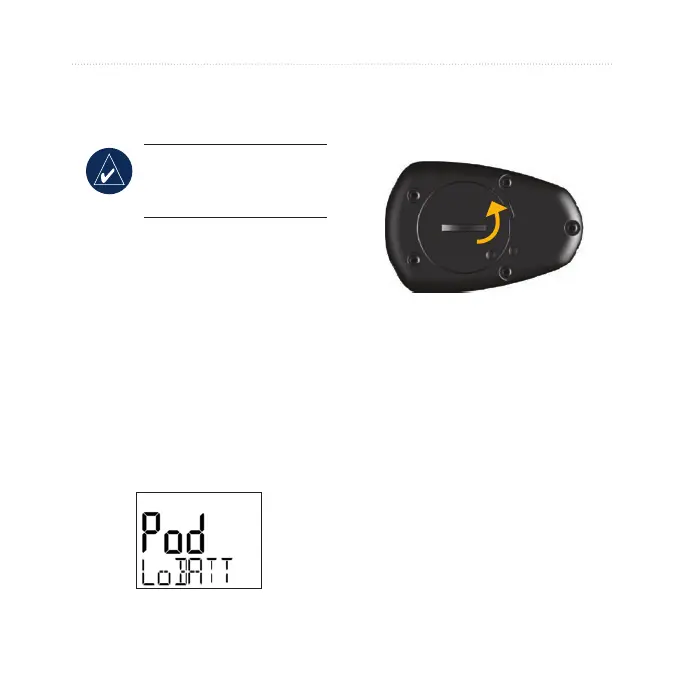
To replace the battery:
1. Locate the circular battery
cover on the back of the foot
pod.
2. Use a coin to twist the cover
counter-clockwise until it is
loose enough to remove.
3. Remove the cover and
replace the battery with the
positive side facing up.















 To Next Page