Forerunner 50 Owner’s Manual 1
GettInG Started
GettInG Started
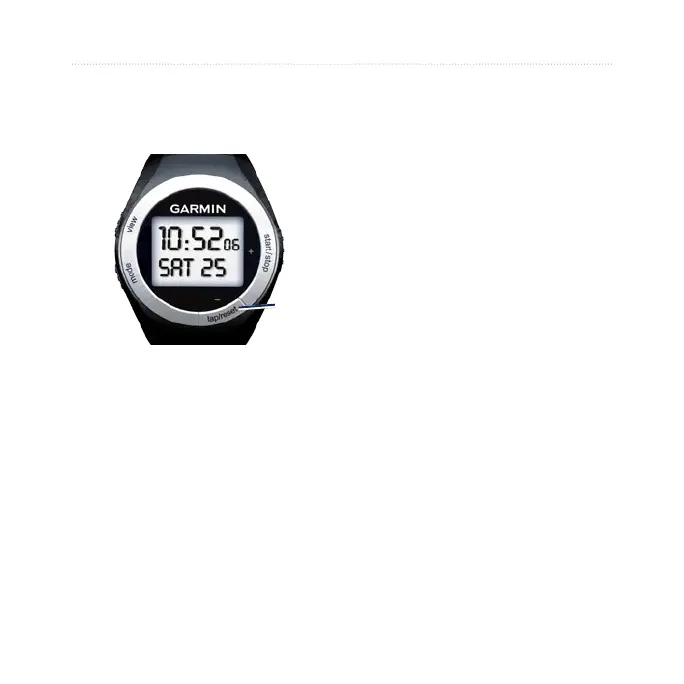
Buttons
➊
➋
➌
➍
➊
view
Press and hold to turn the
backlight on/off.
Press to scroll through the data
pages in Train mode or History
mode.
Press to conrm and advance to
the next setting.
•
•
•
➋
mode
Press to change modes.
Press to exit a menu or page.
Press and hold to return to the
Time page.
➌
lap/reset/-
Press to create a new lap.
Press and hold to save your
workout in Train mode.
Press to decrease the value for
settings.
➍
start/stop/+
Press to start or stop the timer.
Press and hold to customize
settings.
Press to increase the value for
settings.
•
•
•
•
•
•
•
•
•















 To Next Page