190-00870-02 Rev. A
Garmin G950 Pilot’s Guide for the Pilatus PC-6
119
AUDIO PANEL AND CNS
SYSTEM
OVERVIEW
FLIGHT
INSTRUMENTS
EIS
AUDIO PANEL
& CNS
FLIGHT
MANAGEMENT
HAZARD
AVOIDANCE
AFCS
ADDITIONAL
FEATURES
APPENDICES INDEX
ALTITUDE MODE (AUTOMATIC OR MANUAL)
Altitude Mode is automatically selected when the aircraft becomes airborne. Altitude Mode may also be
selected manually by pressing the
ALT
Softkey. Altitude Mode generates Mode A, Mode C, and Mode S replies
as well as transmissions of acquisition and extended squitters including ADS-B out (if equipped).
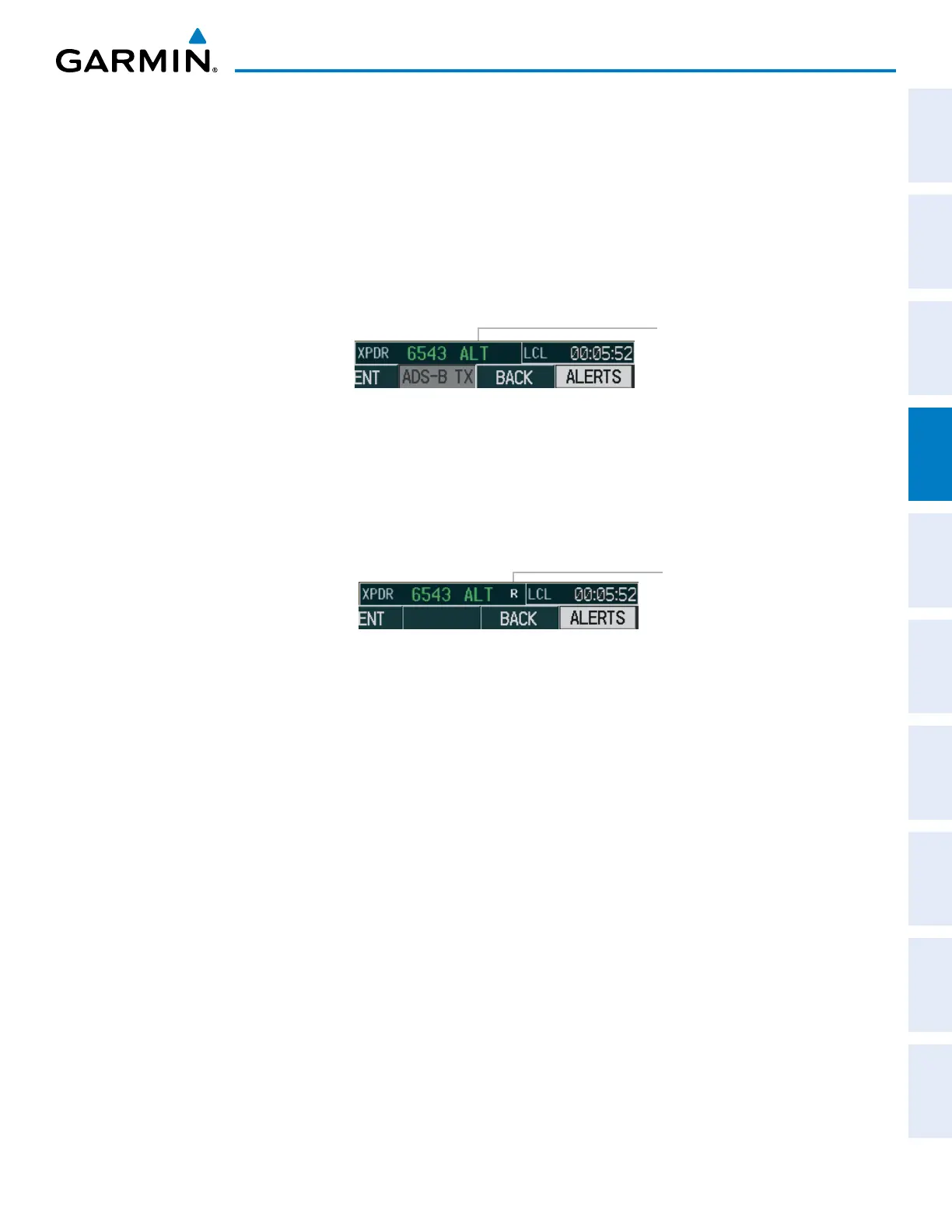
If Altitude Mode is selected, a green ALT indication and transponder code appear in the mode field of the
Transponder Data Box, and all transponder replies requesting altitude information are provided with pressure
altitude information.
ALT Mode
(Mode C Altitude
Reporting)
Figure 4-33 Altitude Mode
REPLY STATUS
When the transponder sends replies to interrogations, a white R indication appears momentarily in the
reply status field of the Transponder Data Box.
Reply to
Interrogation
Figure 4-34 Reply Indication



 To Next Page