190-00870-02 Rev. A
Garmin G950 Pilot’s Guide for the Pilatus PC-6
335
HAZARD AVOIDANCE
SYSTEM
OVERVIEW
FLIGHT
INSTRUMENTS
EIS
AUDIO PANEL
& CNS
FLIGHT
MANAGEMENT
HAZARD
AVOIDANCE
AFCS
ADDITIONAL
FEATURES
APPENDICES INDEX
TAWS-B information can be displayed on the following maps:
• PFD Inset Map
• Navigation Map Page
• TAWS-B Page
• Trip Planning Page
• Flight Plan Pages
• AUX - Video Page
Displaying terrain and obstacle information (maps other than the TAWS-B Page):
1) Press the MAP Softkey (for the PFD Inset Map, press the INSET Softkey).
2) Press the TERRAIN Softkey to display terrain and obstacle data.
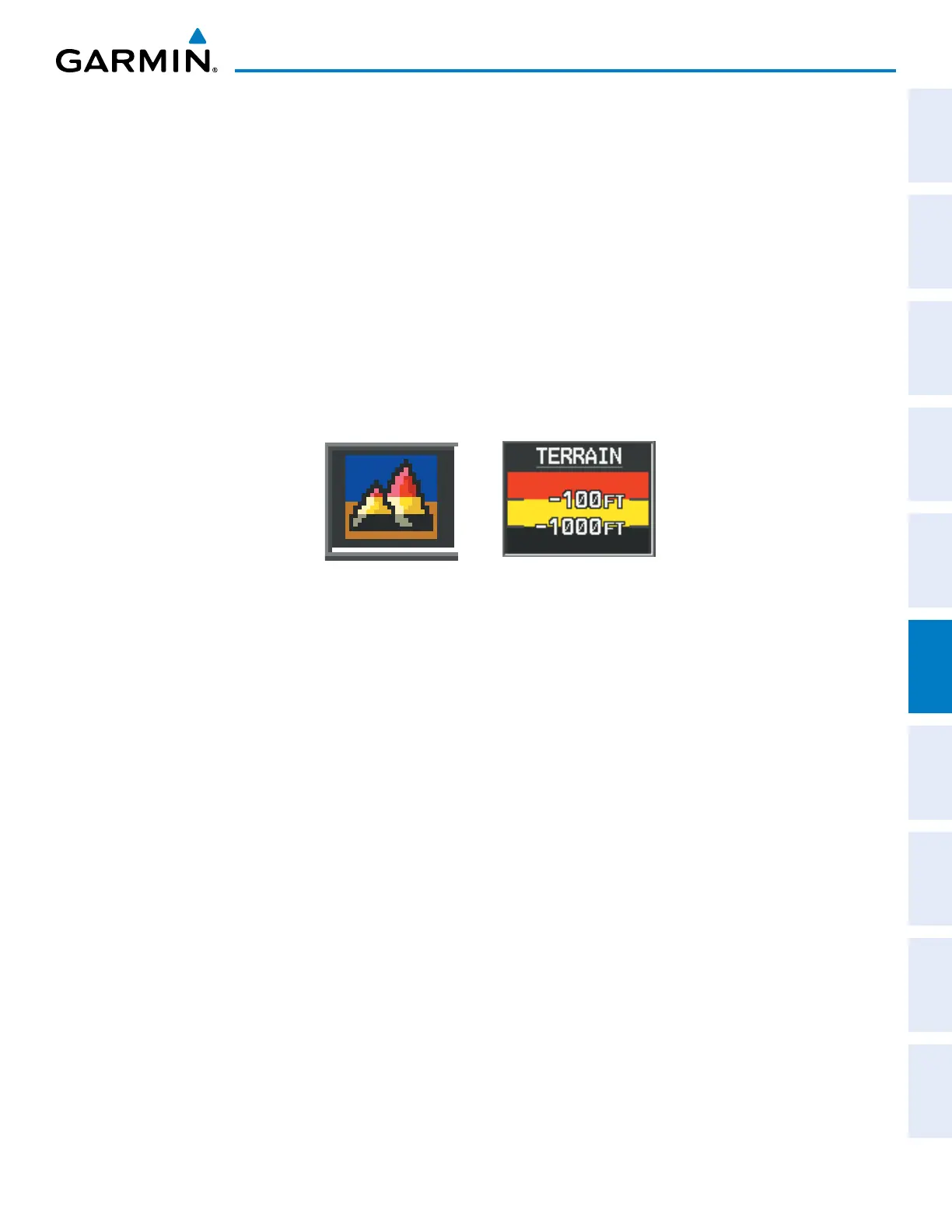
The Map - TAWS-B Page is the principal map page for viewing TAWS-B information. When TAWS-B is
selected on maps other than the TAWS-B Page, an icon is shown to indicate that the feature is enabled for
display. A legend for TAWS-B terrain colors will accompany the icon on the Navigation Map Page (Figure 6-49)
and the Flight Plan Pages. The icon is always shown on the TAWS-B Page.
Figure 6-49 TAWS-B Icon and Legend
The Navigation Map Page Setup Menu provides a means in addition to the softkeys for enabling/disabling the
display of terrain and obstacles. The setup menu also controls the map range settings above which terrain and
obstacle data are decluttered from the display. If a map range larger than the map range setting is selected, the
data is removed from the map. For terrain data, the enable/disable function applies only to the MFD, while the
range setting also affects the PFD Inset Map.
Terrain data can be selected for display independently of obstacle data; however, obstacles for which warnings
and cautions are issued are shown when terrain is selected for display and the map range is within the setting
limit.
Maps besides the TAWS-B Page use settings based on those selected for the Navigation Map Page. The
maximum display ranges for obstacles on each map are dependent on the range setting made for the Navigation
Map. If the maximum range for obstacle display on the Navigation Map is adjusted to below 20 nm, the highest
obstacle display range settings on the other applicable maps are also adjusted proportionally.



 To Next Page