Garmin G950 Pilot’s Guide for the Pilatus PC-6
190-00870-02 Rev A412
ADDITIONAL FEATURES
SYSTEM
OVERVIEW
FLIGHT
INSTRUMENTS
EIS
AUDIO PANEL
& CNS
FLIGHT
MANAGEMENT
HAZARD
AVOIDANCE
AFCS
ADDITIONAL
FEATURES
APPENDICESINDEX
Pressing the INFO-1 or INFO-2 Softkey returns to the airport diagram when the view is on a different chart.
If the displayed chart is the airport diagram, the INFO-1 or INFO-2 Softkey has no effect.
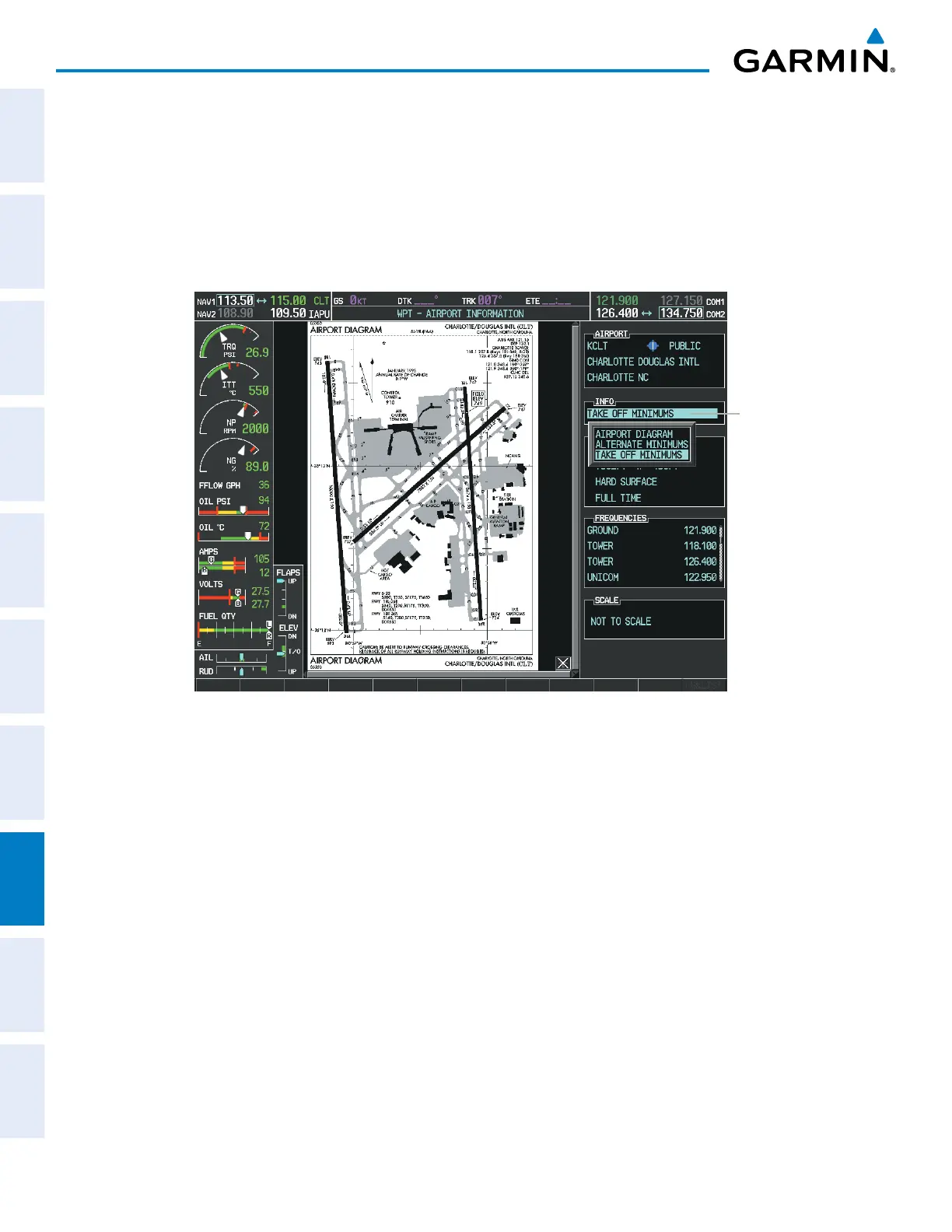
Another source for additional airport information is from the INFO Box above the chart (Figure 8-54) or to
the right of the chart (Figure 8-56) for certain airports. This information source is not related to the INFO-
1 or INFO-2 Softkey. When the INFO Box is selected using the FMS Knob, the G950 softkeys are blank.
The Charlotte, NC airport has three additional charts offering information; the Airport Diagram, Alternate
Minimums, and Take-off Minimums.
Figure 8-56 Airport Information Page, INFO View with Airport Information
Info Box
Selected



 To Next Page