190-00870-02 Rev A
Garmin G950 Pilot’s Guide for the Pilatus PC-6
413
ADDITIONAL FEATURES
SYSTEM
OVERVIEW
FLIGHT
INSTRUMENTS
EIS
AUDIO PANEL
& CNS
FLIGHT
MANAGEMENT
HAZARD
AVOIDANCE
AFCS
ADDITIONAL
FEATURES
APPENDICES INDEX
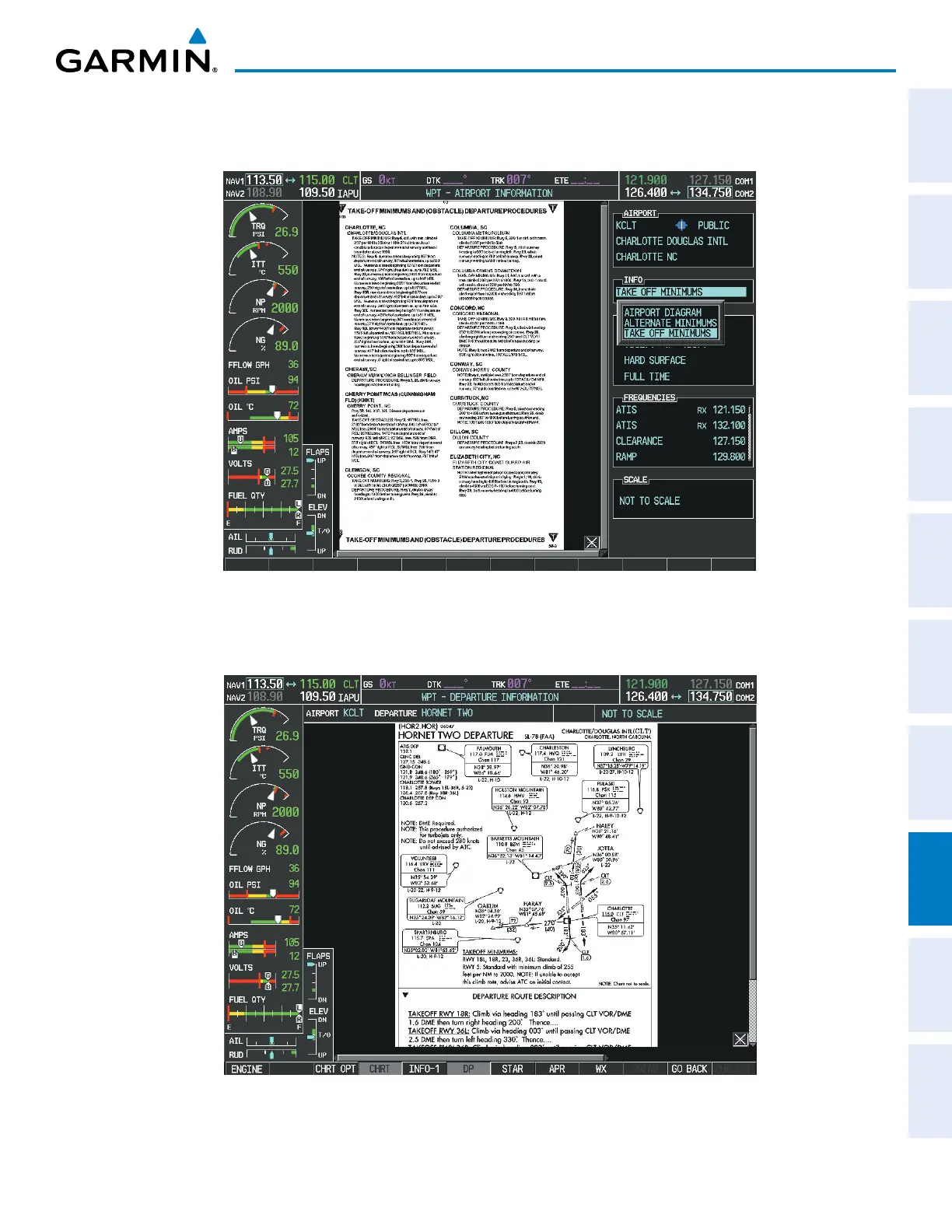
In the example shown in Figure 8-56, TAKE OFF MINIMUMS is selected. Pressing the ENT Key displays the
Take-off Minimums and Departure Procedures Chart (Figure 8-57).
Figure 8-57 Airport Information Page, TAKE OFF MINIMUMS Selected from INFO View
Pressing the DP Softkey displays the Departure Procedure Chart if available.
Figure 8-58 Departure Information Page



 To Next Page