Garmin G950 Pilot’s Guide for the Pilatus PC-6
190-00870-02 Rev. A
SYSTEM
OVERVIEW
FLIGHT
INSTRUMENTS
EIS
AUDIO PANEL
& CNS
FLIGHT
MANAGEMENT
HAZARD
AVOIDANCE
AFCS
ADDITIONAL
FEATURES
APPENDICESINDEX
464
APPENDIX B
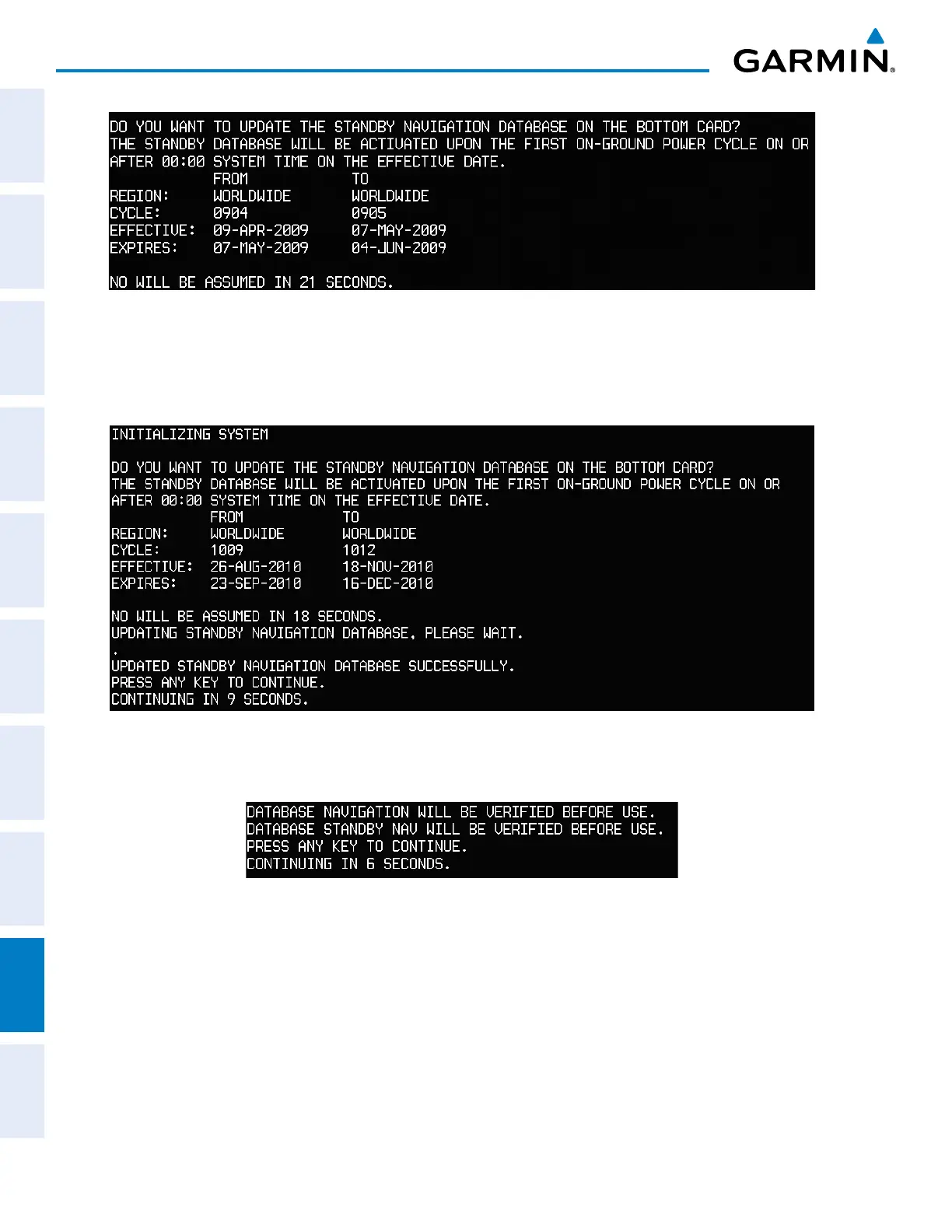
Figure B-3 Standby Navigation Database Prompt
4) Press the YES Softkey. The navigation database is copied to the SD card in the bottom card slot of the MFD.
5) After the navigation database files are copied to the bottom SD card, the display will appear as shown in Figure
B-4.
Figure B-4 Standby Navigation Database Update Complete
6) As instructed on the display, press any key to continue. The display will now appear as shown in Figure B-5.
Figure B-5 Navigation Database Verification Prompt



 To Next Page